Logout
Securely end your True Tracker session and protect your account information.
How to Logout
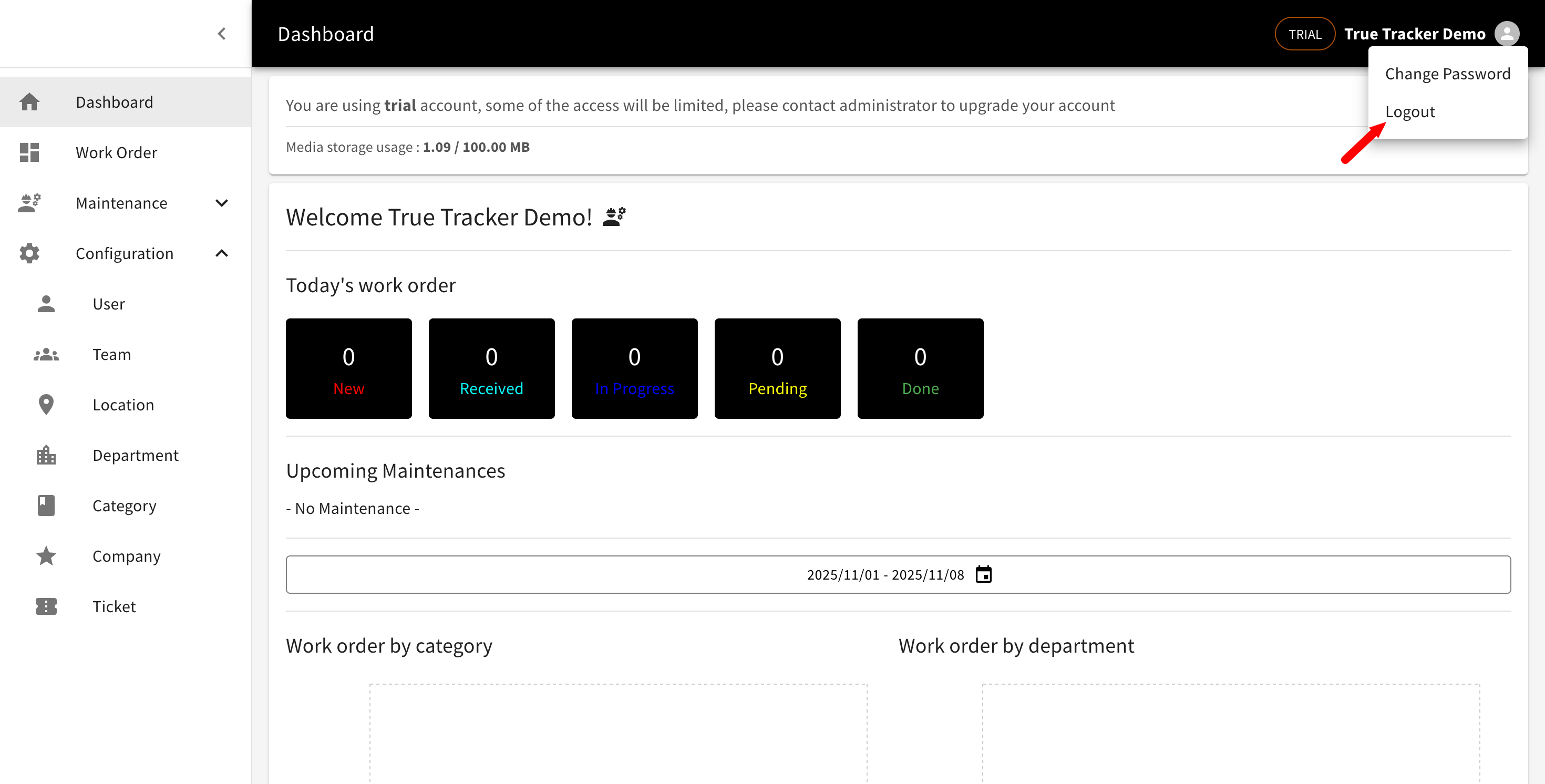
The user menu showing the Logout option highlighted with a red arrow.
-
Access User Menu
- Click your profile avatar or name in the top-right corner
- User dropdown menu will appear
-
Select Logout
- Click "Logout" from the dropdown
- Confirm logout if prompted
- You'll be redirected to the login page
-
Session Termination
- All active sessions are ended
- Temporary data is cleared
- Secure logout confirmation displayed
Troubleshooting Logout Issues
Common Problems
Logout Not Working
- Check internet connection
- Try refreshing the page
- Clear browser cache
- Use different browser
Session Still Active
- Wait a few minutes for propagation
- Check other browser tabs
- Verify logout completion
- Contact IT support if persistent
Automatic Logout Issues
- Check system time settings
- Verify network connectivity
- Review timeout settings
- Contact administrator
Emergency Procedures
Security Incidents
Immediate Actions
- Logout immediately
- Report incident to IT security
- Change password if compromised
- Monitor account activity
Follow-Up Actions
- Complete incident report
- Participate in security review
- Update security practices
- Additional training if required
System Compromises
Organization-Wide Response
- Emergency logout procedures
- Password reset requirements
- Security assessment
- System hardening
Getting Help
Self-Service Options
Logout Issues
- Check help documentation
- Try different browsers
- Clear browser data
- Restart device
Account Security
- Review security settings
- Check recent activity
- Update password
- Enable additional security
Support Contacts
Technical Support
- IT Help Desk for logout issues
- System Administrator for access problems
- Security Team for security concerns
- Manager for policy questions
Emergency Contacts
- 24/7 security hotline
- Emergency IT support
- Incident response team
- Management escalation