Sign In
Learn how to access your True Tracker account.
Overview
The sign-in page is your gateway to the True Tracker system. Here you'll authenticate your credentials to access all maintenance management features.
How to Sign In
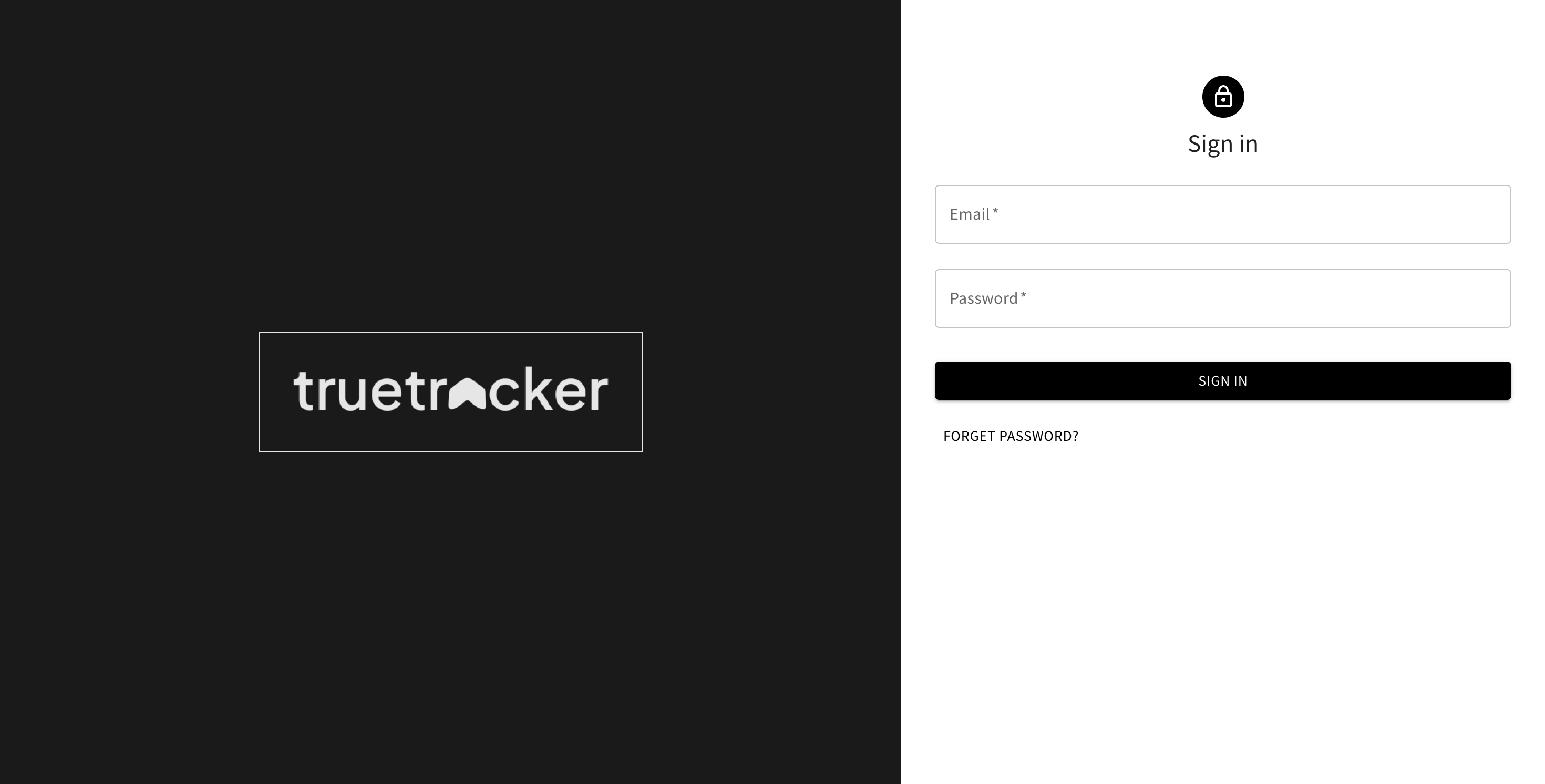
The True Tracker sign-in page showing the login form.
-
Navigate to the Login Page
- Open your web browser
- Go to your True Tracker application URL
- You'll be redirected to the sign-in page if not already logged in
-
Enter Your Credentials
- Email: Enter your registered email address or username
- Password: Enter your account password
-
Sign In Options
- Click the "Sign In" button to proceed
- Check "Remember Me" to stay logged in on this device (optional)
Forgot Password?
If you've forgotten your password:
- Click the "Forgot Password?" link on the sign-in page
- Enter your registered email address
- Check your email for password reset instructions
- Follow the link in the email to create a new password
Troubleshooting
Common Issues
- Invalid Credentials: Double-check your email and password
- Account Locked: Contact your system administrator
- Browser Issues: Clear cache and cookies, or try a different browser
System Requirements
- Modern web browser (Chrome, Firefox, Safari, Edge)
- JavaScript enabled
- Stable internet connection
Security Features
- Secure HTTPS connection
- Session timeout for inactive users
- Failed login attempt protection
- Password encryption
Need help? Contact your system administrator or IT support team.