Ticket Support Management
Comprehensive ticket support administration for managing customer inquiries, technical issues, and support requests in True Tracker.
Overview
Ticket Support Management allows administrators to create, modify, and manage support tickets, track customer issues, and maintain support workflow within True Tracker.
Accessing Ticket Support Management
- Sign in with administrator privileges
- Navigate to Configuration → Ticket Support
Note: Ticket Support Management requires administrator or support management permissions.
Ticket Support List Screen
The Ticket Support List is your main hub for viewing and managing all support tickets in your True Tracker system. This screen displays all ticket records in an organized table format.
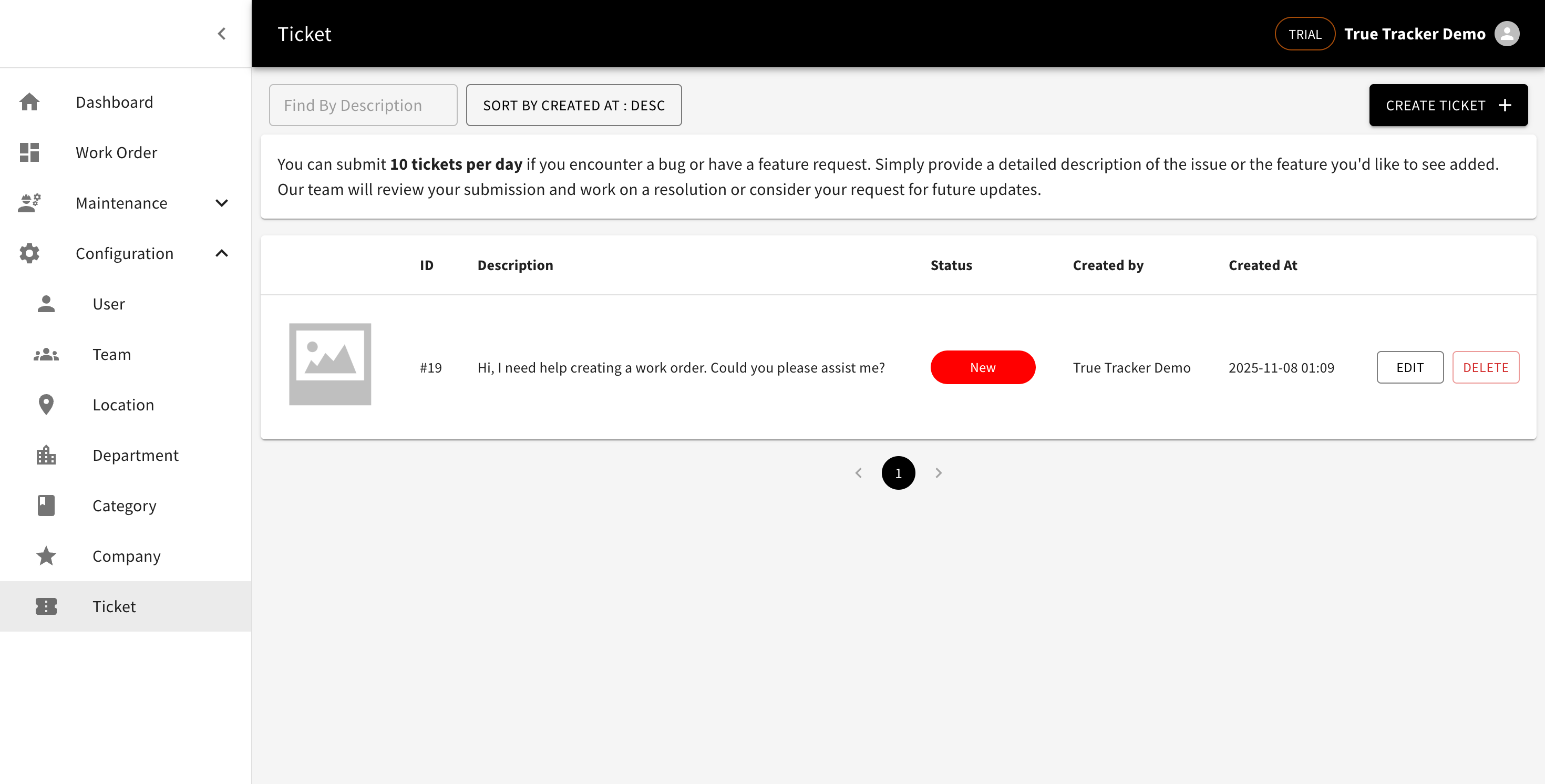
The Ticket Support Management screen showing the list of all tickets with their details and management options.
What You'll See
| Column | Description | Example |
|---|---|---|
| Image | Ticket attachment or screenshot | Small image thumbnail |
| ID | Unique identifier for the ticket | "001" |
| Description | Brief description of the issue | "Login problem" |
| Status | Current status of the ticket | "Open", "In Progress", "Closed" |
| Created By | Person who created the ticket | "John Smith" |
| Created At | When the ticket was created | "2025-10-16 14:51" |
Search and Filter Options
Find By Name
- Use the search box to quickly find tickets by typing subject or ticket ID
- Search results update as you type
- Case-insensitive search
Sort Options
- Click the sort dropdown (e.g., "SORT BY CREATED AT : ASC") to change sorting
- Sort by: Name or Created At
- Sort type: ASC (ascending) or DESC (descending)
- Default sorting is by Created At in ascending order
Available Actions
For Each Ticket:
- EDIT - Modify ticket details and status
- DELETE - Remove ticket from the system (use with caution)
Main Actions:
- CREATE TICKET - Create a new support ticket
How to Use the Ticket Support List
- View All Tickets: The screen automatically displays all tickets when you access it
- Search for Specific Tickets: Type in the "Find By Name" box to locate tickets quickly
- Sort the List: Click the sort dropdown to organize tickets by different criteria
- Manage Individual Tickets: Use the EDIT or DELETE buttons for each ticket
- Add New Tickets: Click the "CREATE TICKET" button to create new tickets
- Navigate Pages: Use the pagination controls at the bottom if you have many tickets
Ticket Status Indicators
- Open: New ticket awaiting assignment
- In Progress: Ticket being actively worked on
- Closed: Ticket resolved and completed
Create Ticket Support
The Create Ticket Support form allows you to add new support tickets to your True Tracker system. Click the CREATE TICKET button from the Ticket Support List to open this form.
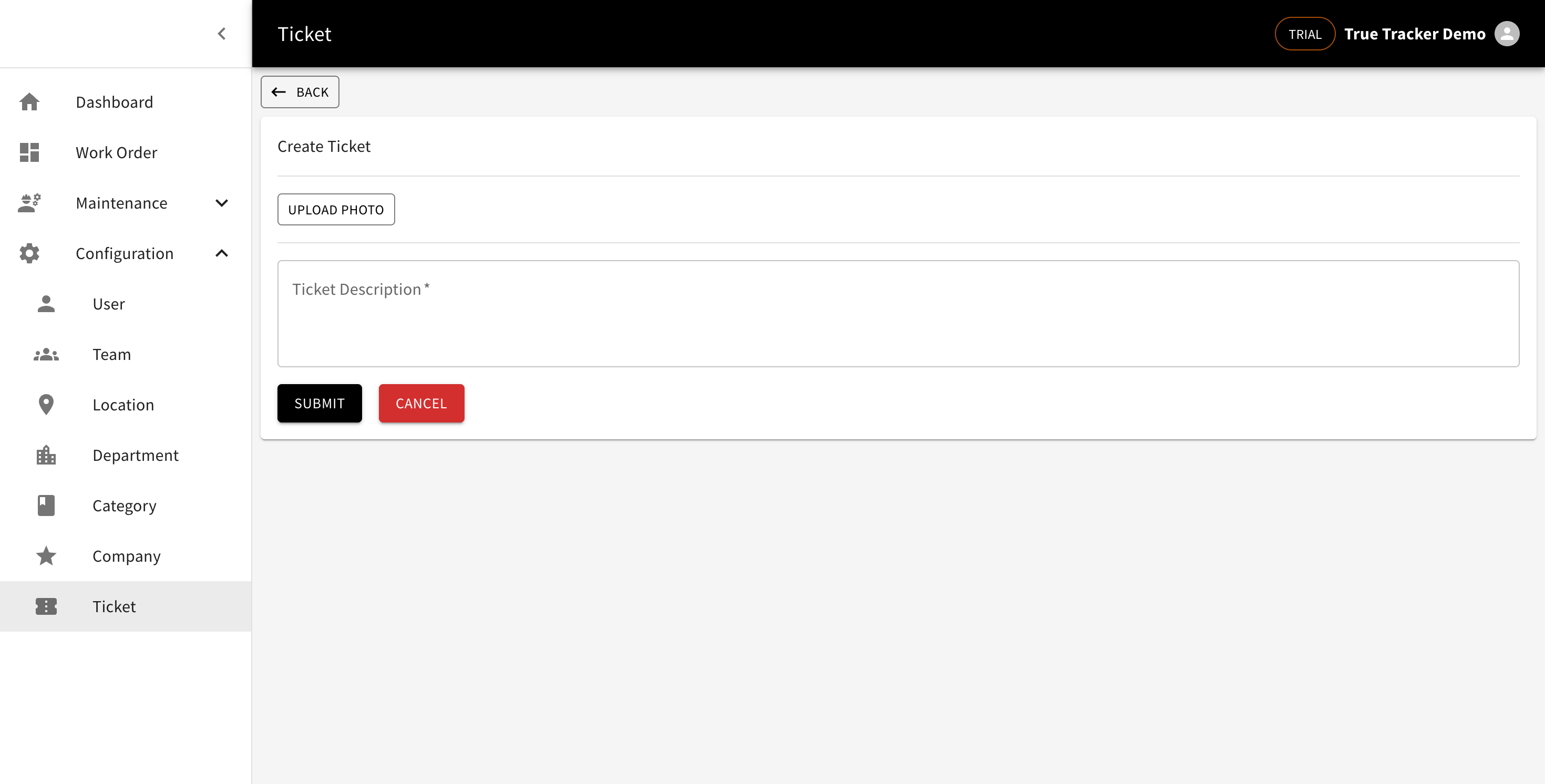
The Create Ticket Support form showing the fields for adding a new ticket.
Form Fields
| Field | Description | Required | Example |
|---|---|---|---|
| Upload Photo | Attach screenshot or image | No | Upload image file |
| Description | Detailed description of the problem | Yes | "User cannot access dashboard" |
Form Actions
- Save - Creates the new support ticket
- Cancel - Returns to Ticket Support List without saving
- Back - Returns to previous screen
How to Create a Ticket Support
- Click CREATE TICKET from the Ticket Support List screen
- Fill in the required field:
- Provide detailed description
- Upload photo (optional)
- Click Save to create the ticket
- You'll return to the Ticket Support List and the new ticket appears in the list
Edit Ticket Support
Click the EDIT button next to any ticket in the list to modify their information. The edit form contains the same fields as the create form.
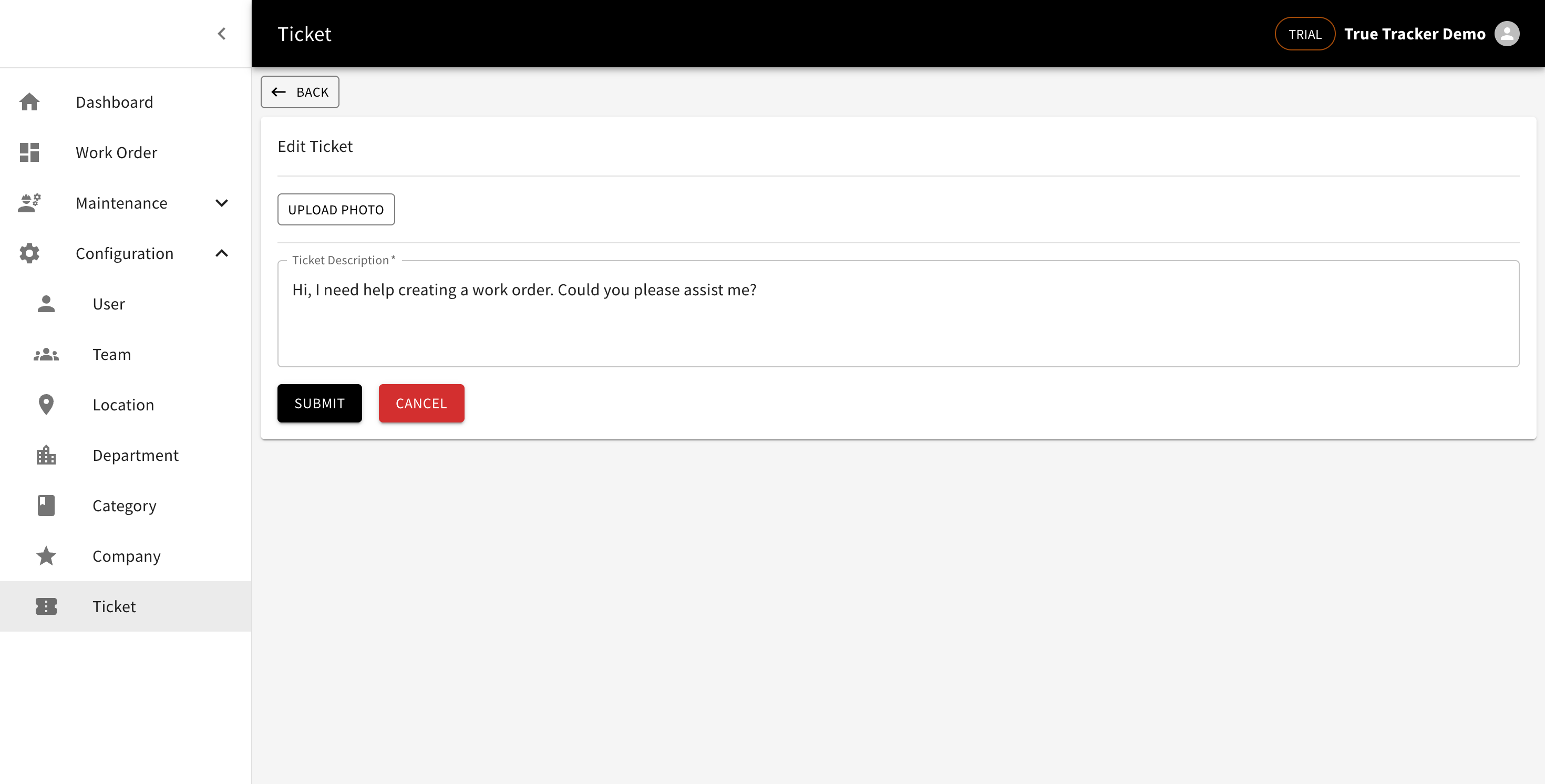
The Edit Ticket Support form showing the fields for modifying ticket information.
How to Edit a Ticket Support
- Find the ticket in the list
- Click the EDIT button
- Modify the necessary fields
- Click Save to update the ticket
Delete Ticket Support
Click the DELETE button to remove a ticket from the system.
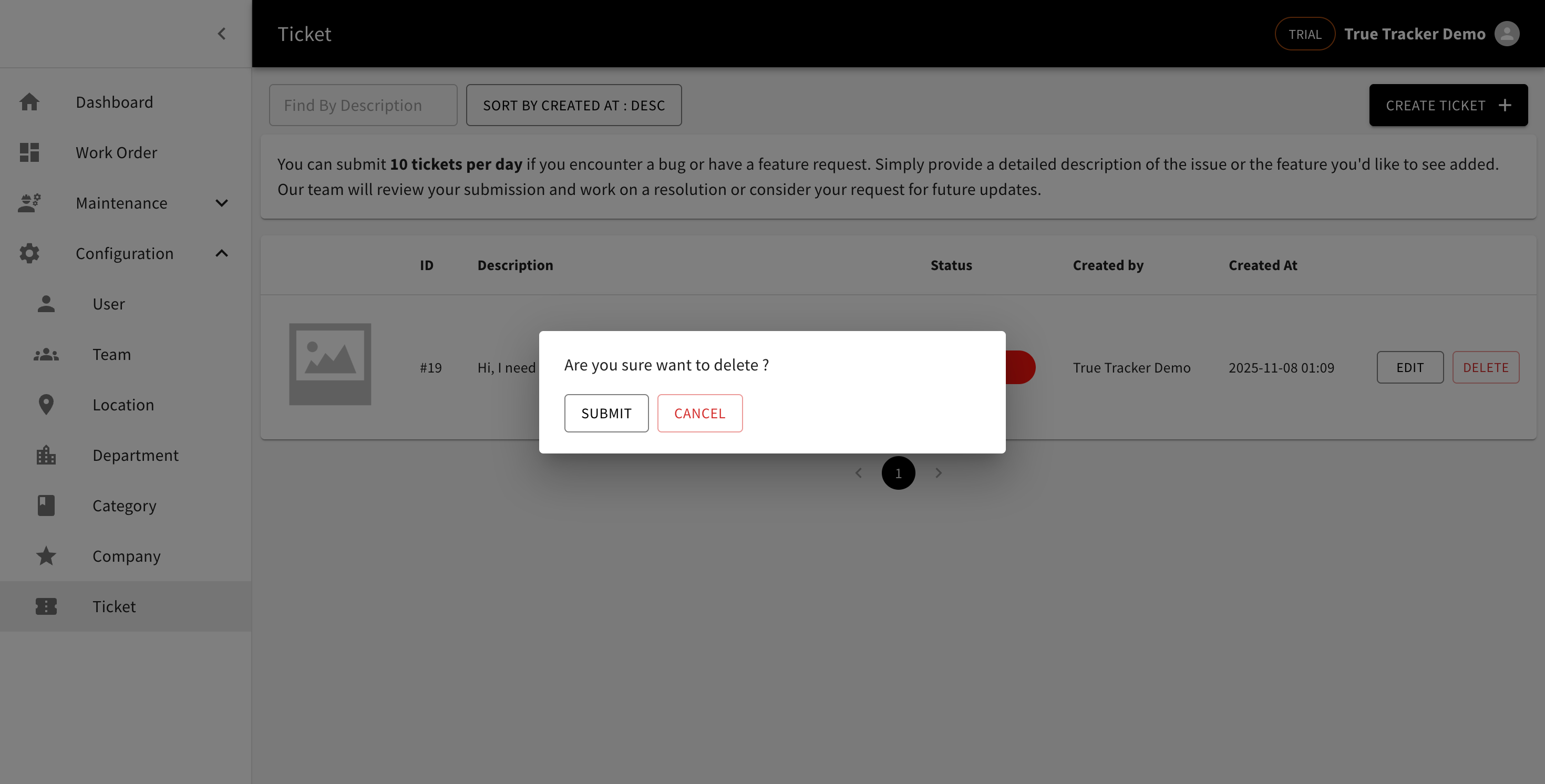
The Delete Ticket Support confirmation popup asking for confirmation before removing the ticket.
How to Delete a Ticket Support
- Find the ticket in the list
- Click the DELETE button
- Confirm the deletion in the popup
Warning: Deleting a ticket is permanent and cannot be undone.