Company Management
View and manage your company information and settings in True Tracker.
Overview
Company Management allows administrators to view and edit company details, update organizational information, and maintain company settings within True Tracker.
Accessing Company Management
- Sign in with administrator privileges
- Navigate to Configuration → Company
Note: Company Management requires administrator permissions.
Company Details Screen
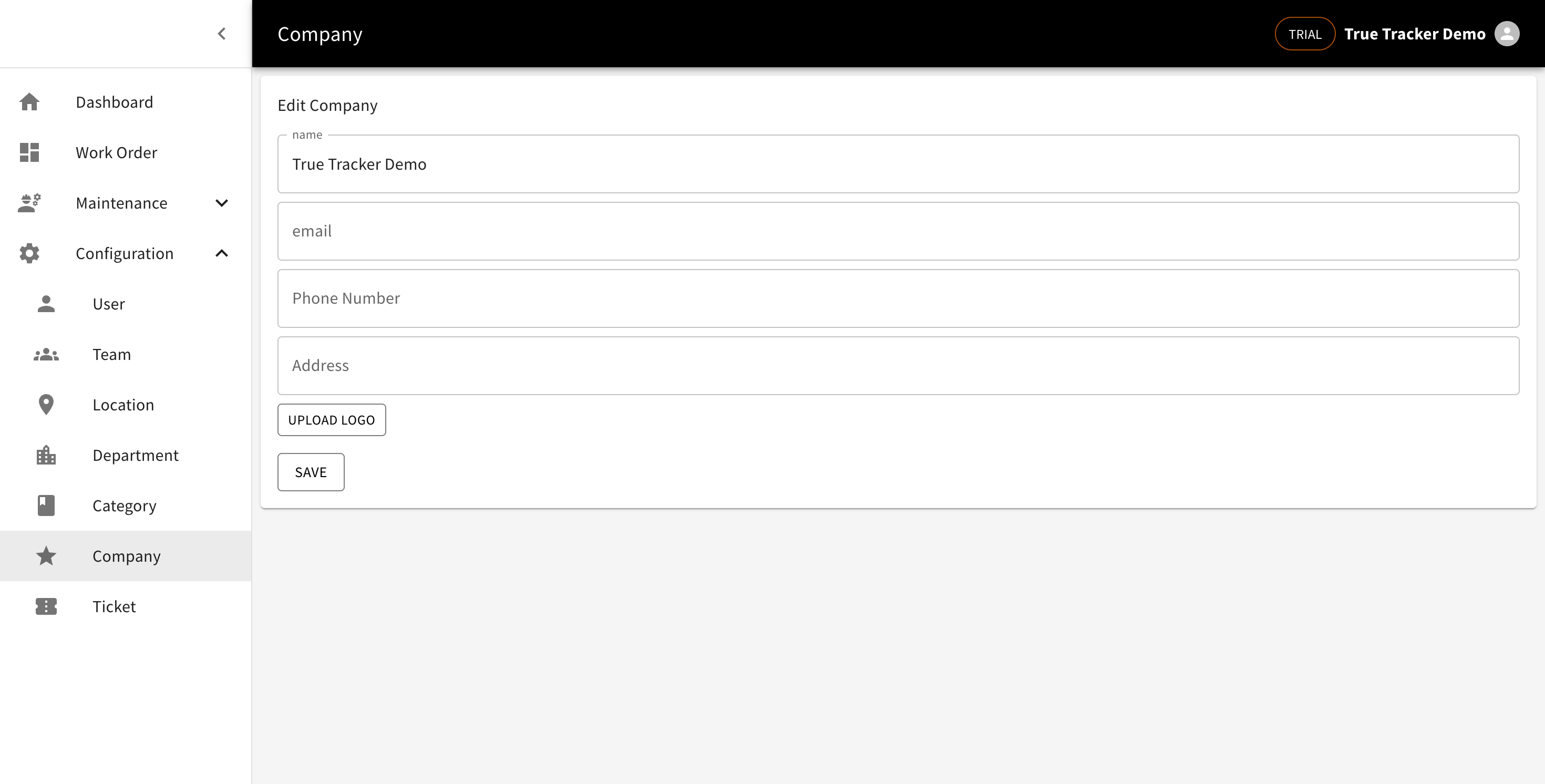
The Company Details screen shows your organization's information and allows you to edit company settings.

The Company Management screen showing company information and edit options.
What You'll See
The company details screen displays your organization's current information including company name, address, contact details, and other business information.
Available Actions
- EDIT - Modify company details and settings
Edit Company
Click the EDIT button to modify your company information.
Form Fields
| Field | Description | Required | Example |
|---|---|---|---|
| Name | Official name of the company | Yes | "ABC Corporation" |
| Company contact email | Yes | "info@company.com" | |
| Phone Number | Main company phone number | Yes | "+62 21 1234 5678" |
| Address | Company's physical address | Yes | "123 Business Street" |
| Upload Logo | Company logo image | No | Upload image file |
Form Actions
- Save - Updates the company information
How to Edit Company Information
- Click EDIT from the Company Details screen
- Modify the necessary fields:
- Update company name if needed
- Add company email
- Enter contact phone number
- Provide current address
- Upload company logo (optional)
- Click Save to update the company information
- You'll return to the Company Details screen with updated information