Forgot Password
Reset your password by email, no need to contact an admin.
Resetting Your Password
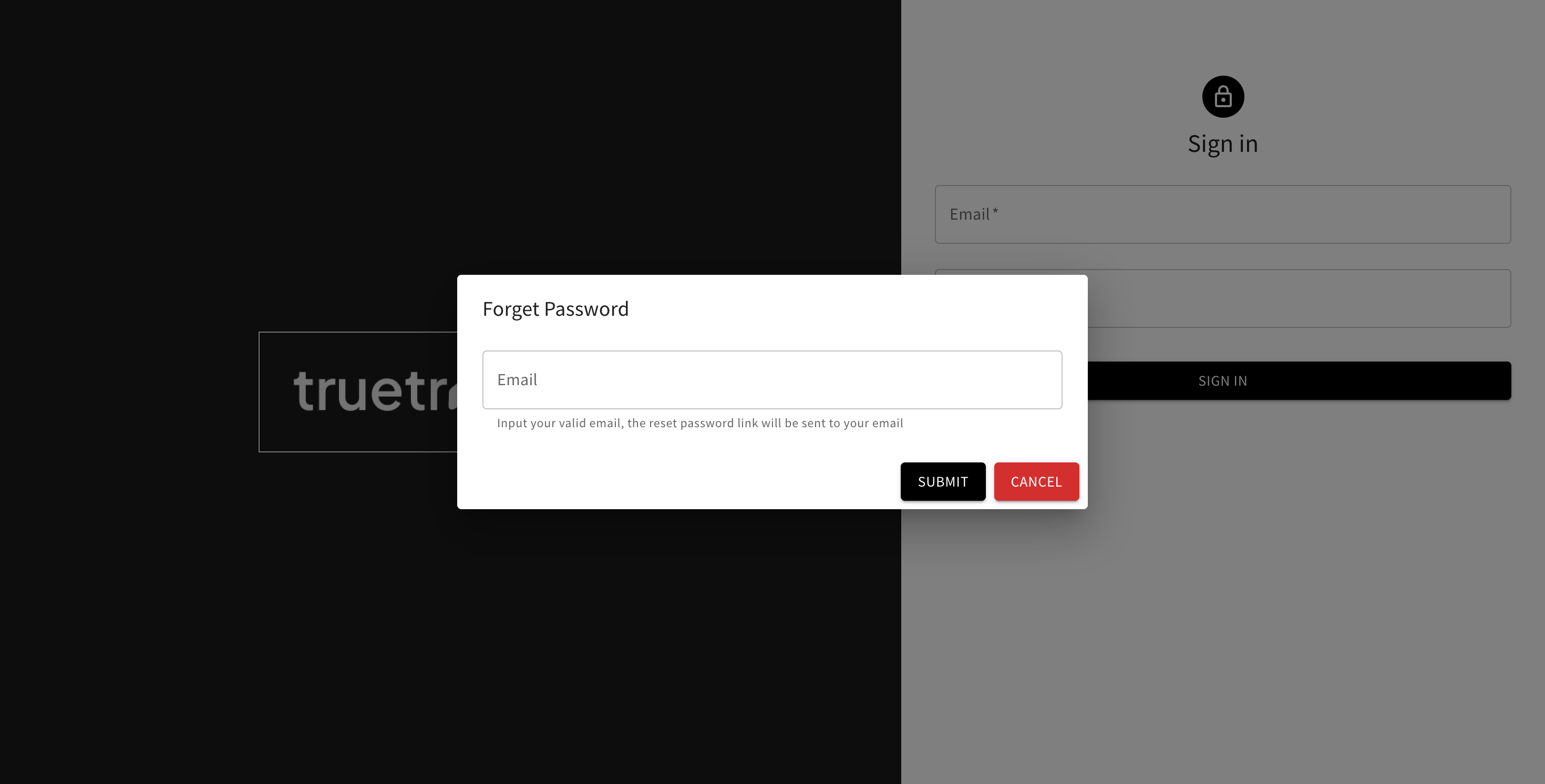
- On the Sign In page, click Forget Password?
- Enter your account email, then click Submit
- Check your email for a reset link
- Open it, enter a new password (minimum 6 characters) and confirm it, then submit
- You're sent back to the Sign In page to log in with your new password