Task Template
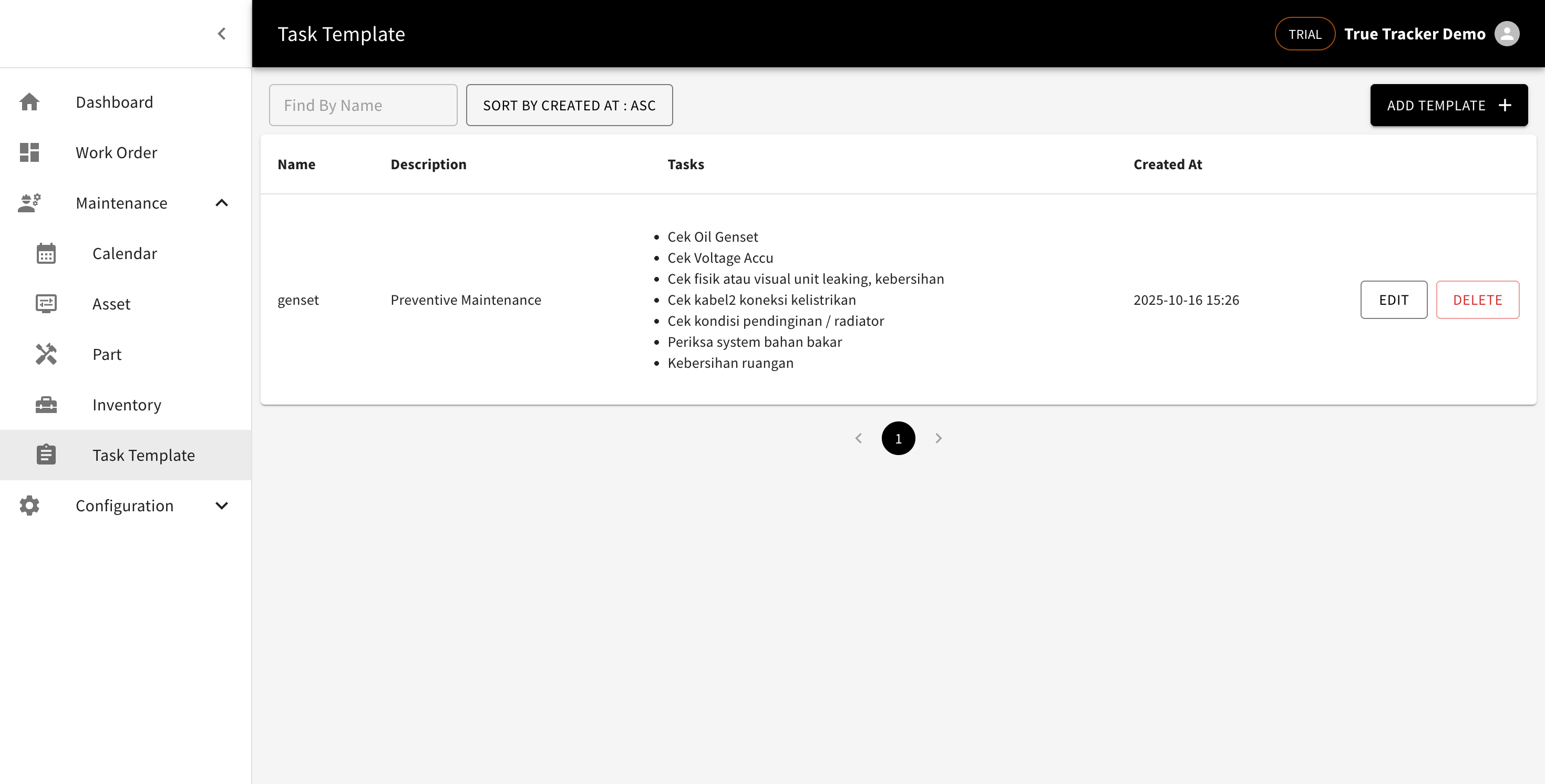
A ready-made list of tasks you can drop straight into a maintenance schedule, so you don't retype the same checklist every time.
Creating a Template
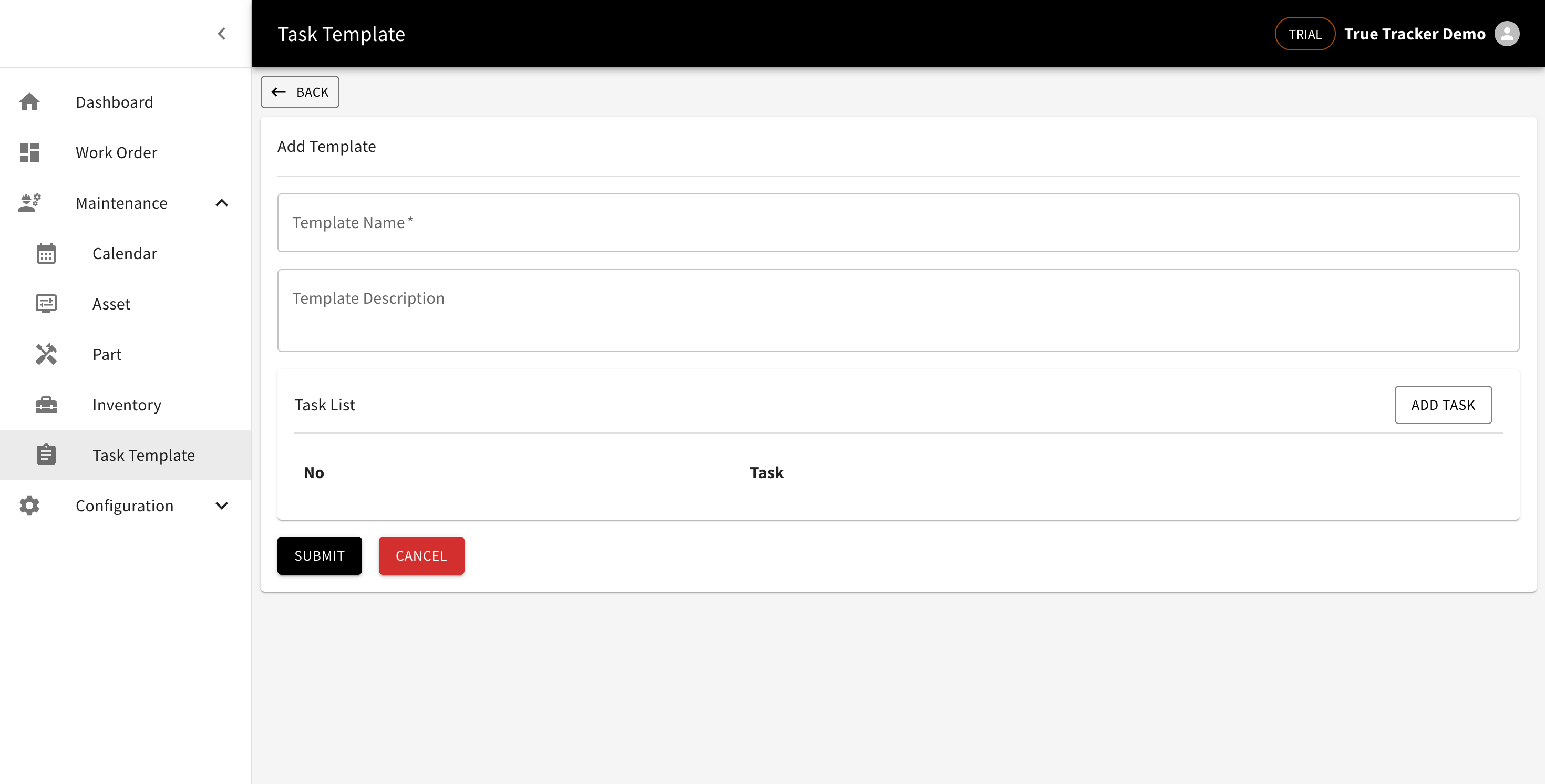
Go to Maintenance → Task Template, click Add Template, then fill in a name, a description, and its task list (add rows with Add Task).
Using It
When creating a schedule in the Maintenance Calendar, click Insert Template and pick this one — every task in it is added to the schedule at once.
Editing and Deleting
Click Edit to update it, or Delete to remove the template.