Vendor
Vendors are your suppliers — repair shops, parts stores, service contractors. Recording them here makes them easy to find when you actually need them, not just when you have time.
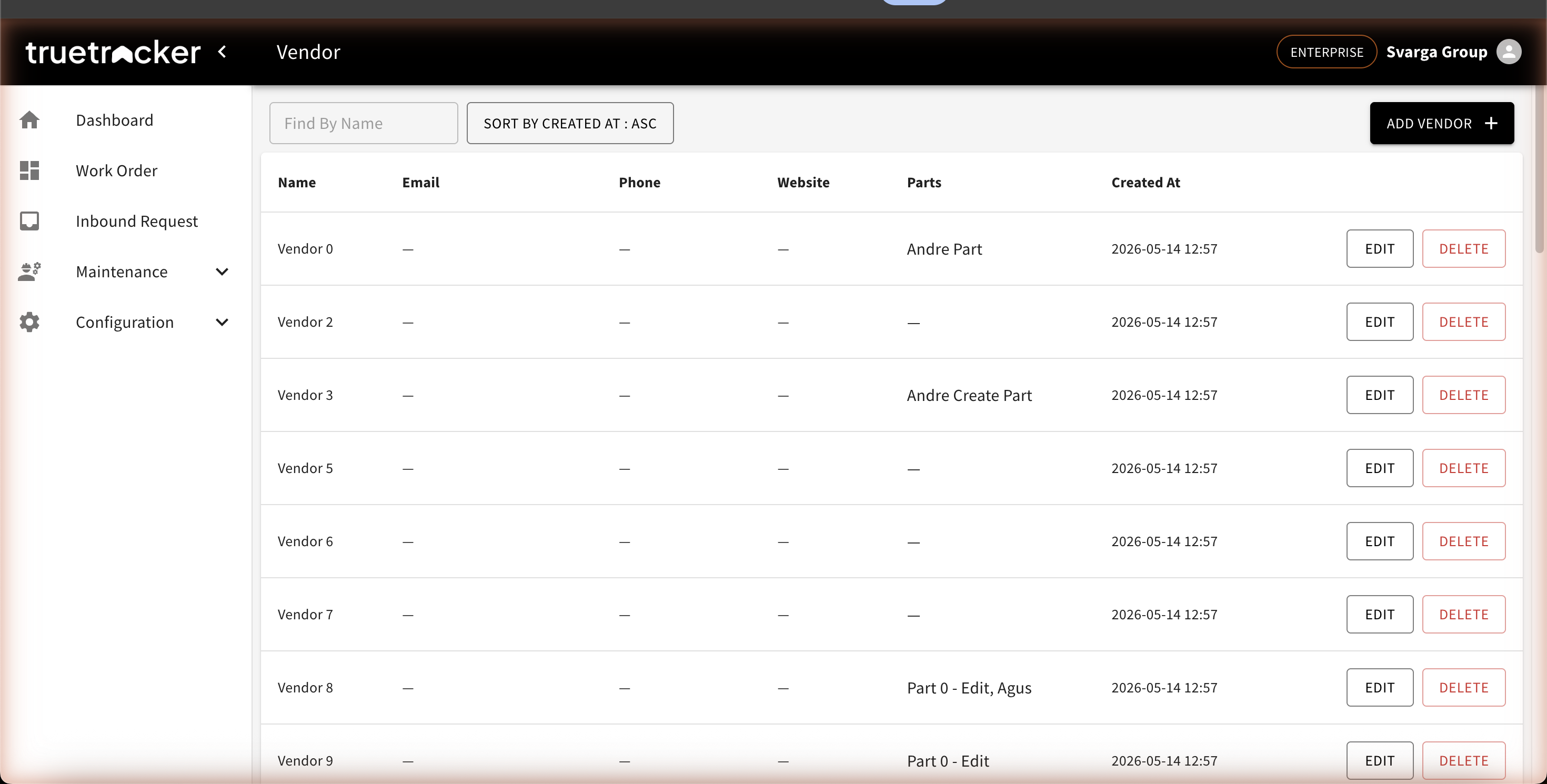
Vendor List
Go to Maintenance → Vendor. The list shows each vendor's name, email, phone, website, and the parts linked to them. You can search vendors by name.
Adding a Vendor
Click Add Vendor, then fill in the name, address, phone, email, website, and any extra description (contact person, opening hours, payment terms).
The Parts Column
The Parts column on the list shows the components this vendor supplies. It fills itself in from the parts you link to the vendor — so from a single vendor, you can see everything you can order from them.
Editing and Deleting
Click Edit to update the details, or Delete to remove the vendor. Parts that were linked to it are not deleted; they simply lose their supplier detail.