Change Password
Change your own password without needing an admin's help.
Opening Change Password
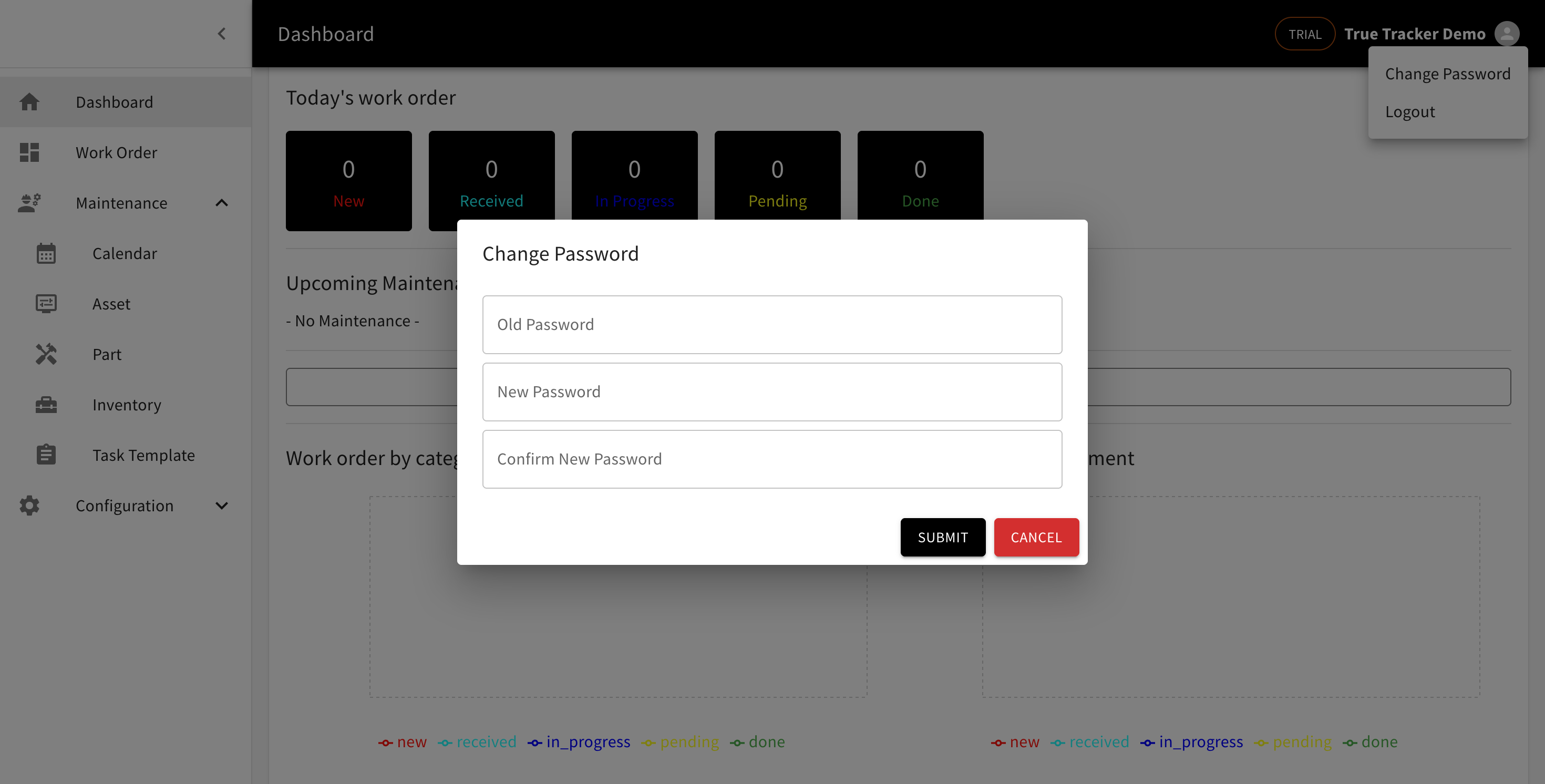
Click the profile icon in the top-right corner, then choose Change Password.
Filling In the Form
Fill in Old Password (your current one), New Password, and Confirm New Password. The new password needs at least 6 characters, and New Password must match Confirm New Password exactly. Click Submit to save.
If the old password you entered is wrong, you'll see a message that the password is invalid.