Inventory
Part stock at each location — how much is left, and when it's time to reorder.
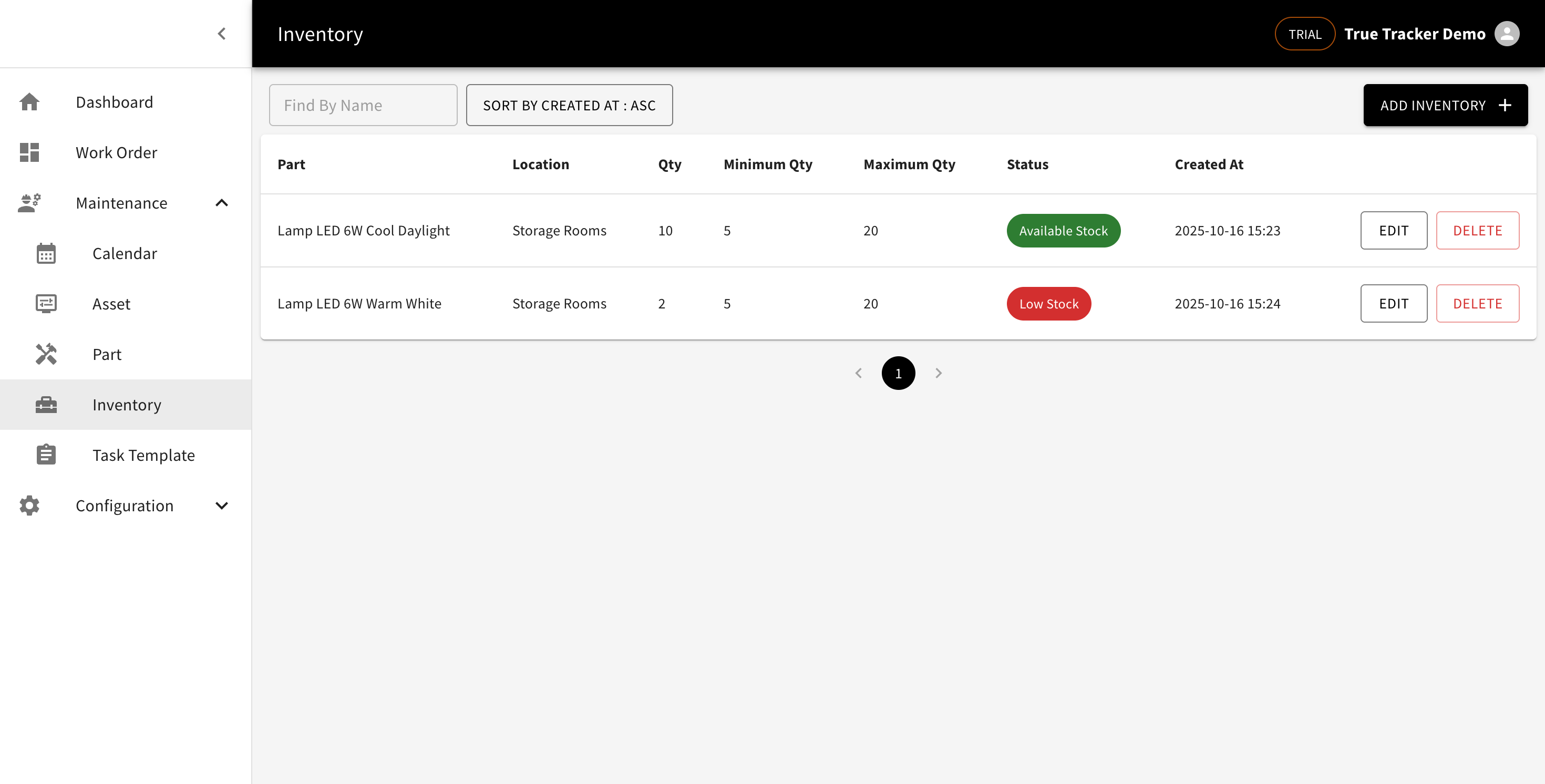
Inventory List
Go to Maintenance → Inventory. Each row shows the part, location, current quantity (Qty), minimum and maximum thresholds, and a status: Low Stock (red) once quantity drops to or below the minimum, or Available Stock (green) otherwise.
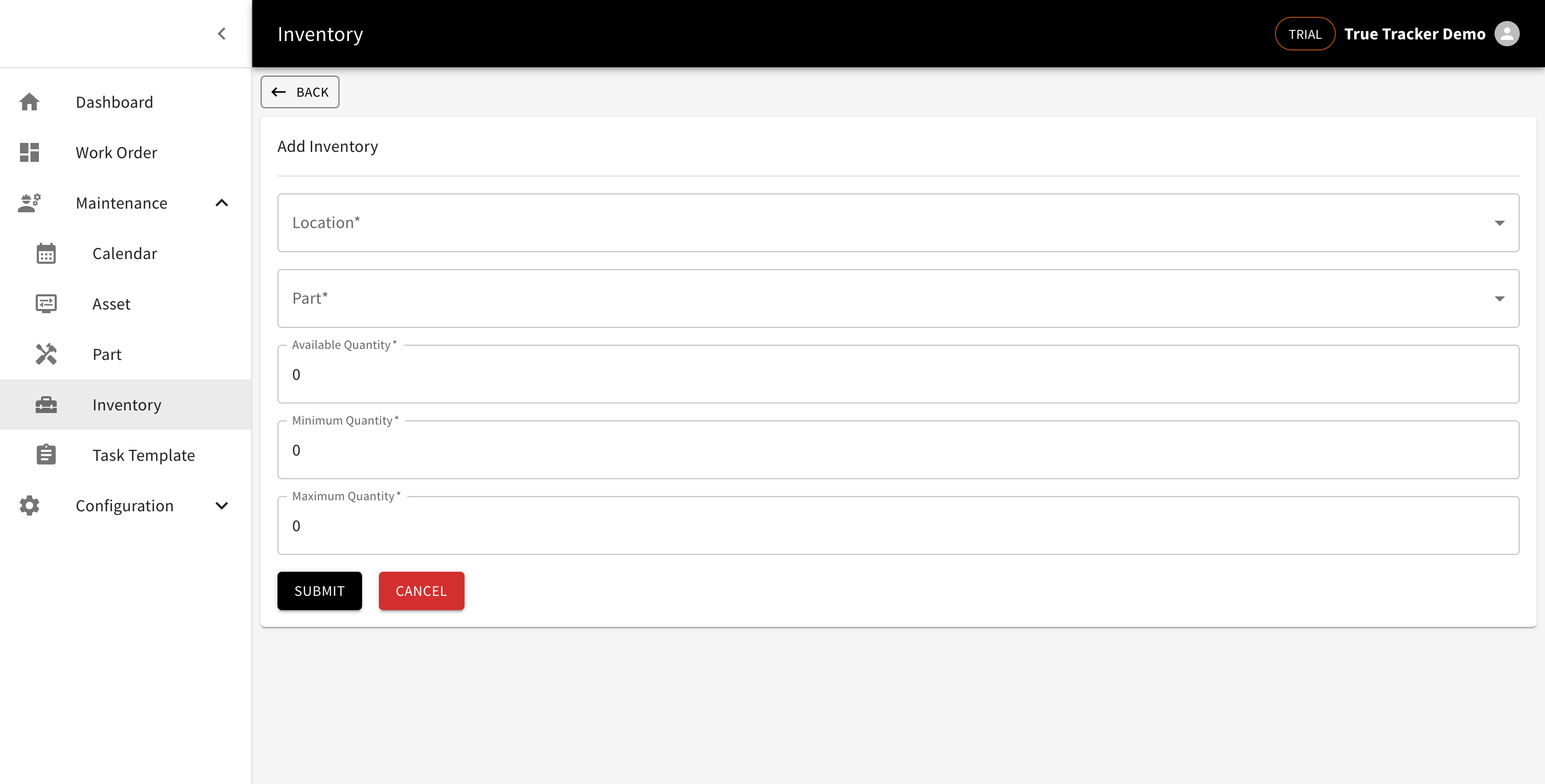
Adding an Inventory Record
Click Add Inventory, then pick a location and a part, and fill in the available quantity, minimum quantity, and maximum quantity.
Updating the Quantity
There's no add/remove-stock action — to change the quantity, click Edit and update the number directly.
Deleting
Click Delete on the row you want removed, then confirm.