Sign In
This is the door to everything you do in True Tracker: work orders, assets, maintenance schedules. There's no way around it, so the most common problem here is usually simple — a mistyped email, or a connection that hasn't come through yet.
How to Sign In Mobile
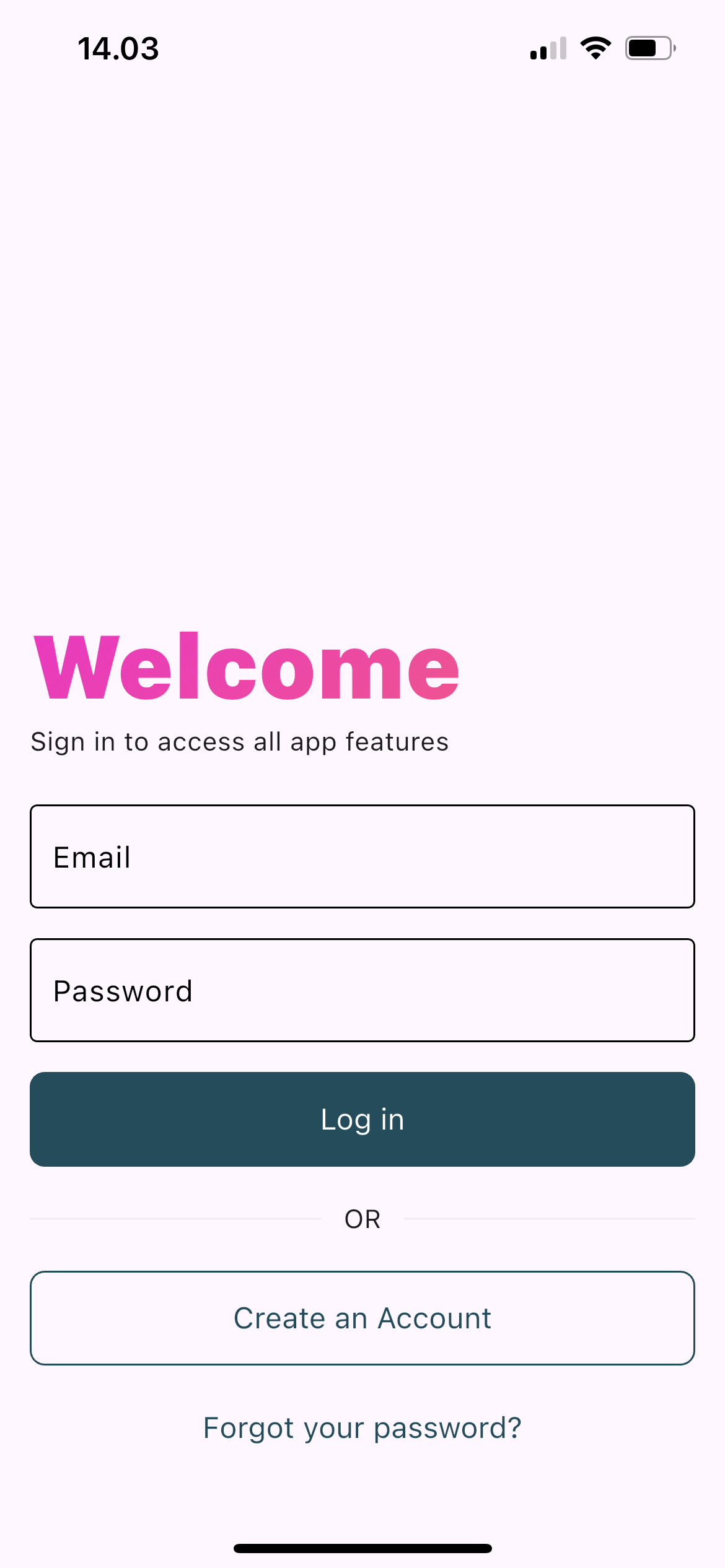
The True Tracker mobile sign-in page showing the login form with email and password fields.
-
Open Mobile Application
- Open the True Tracker app on your mobile device
- You'll be redirected to the sign-in page if not already logged in
-
Enter Your Credentials
- Email: Enter your registered email address or username
- Password: Enter your account password
-
Sign in
- Tap "Sign In" to continue
If the email or password does not match, the app shows an error on the same screen. An account that has not been verified is refused with its own message.
Forgot Password Mobile?
If you've forgotten your password:
- Tap the "Forgot Password?" link on the sign-in page
- Enter your registered email address
- Check your email for password reset instructions
- Follow the link in the email to create a new password
- Return to mobile app and login with new password
Troubleshooting
- Invalid credentials — check the email and password again
- Account not verified — contact your system administrator
- No connection — the app needs an internet connection to sign in
- The app misbehaves — close and reopen it, and make sure you are on the latest version
Device Requirements
- Android: Android 7.0 (API level 24) or newer
- iOS: iOS 14.0 or newer
- Internet connection: required throughout the app
App Permissions
The app asks for these permissions, and only when the matching feature is used:
- Camera — take photos for work orders and assets
- Gallery or storage — pick images already on the device
- Microphone — record sound while recording video
- Location — read the location data attached to a photo (EXIF) when an image is uploaded; the app does not track your movements
- Notifications — receive alerts about your account
Declining any one permission disables only the matching feature, not the app.
Need More Help?
For account problems — a forgotten registered email, an inactive account, or needing new access — contact your company's system administrator. They manage who can sign in.