User Management
A list of everyone with access to your company's True Tracker dashboard, and their role.
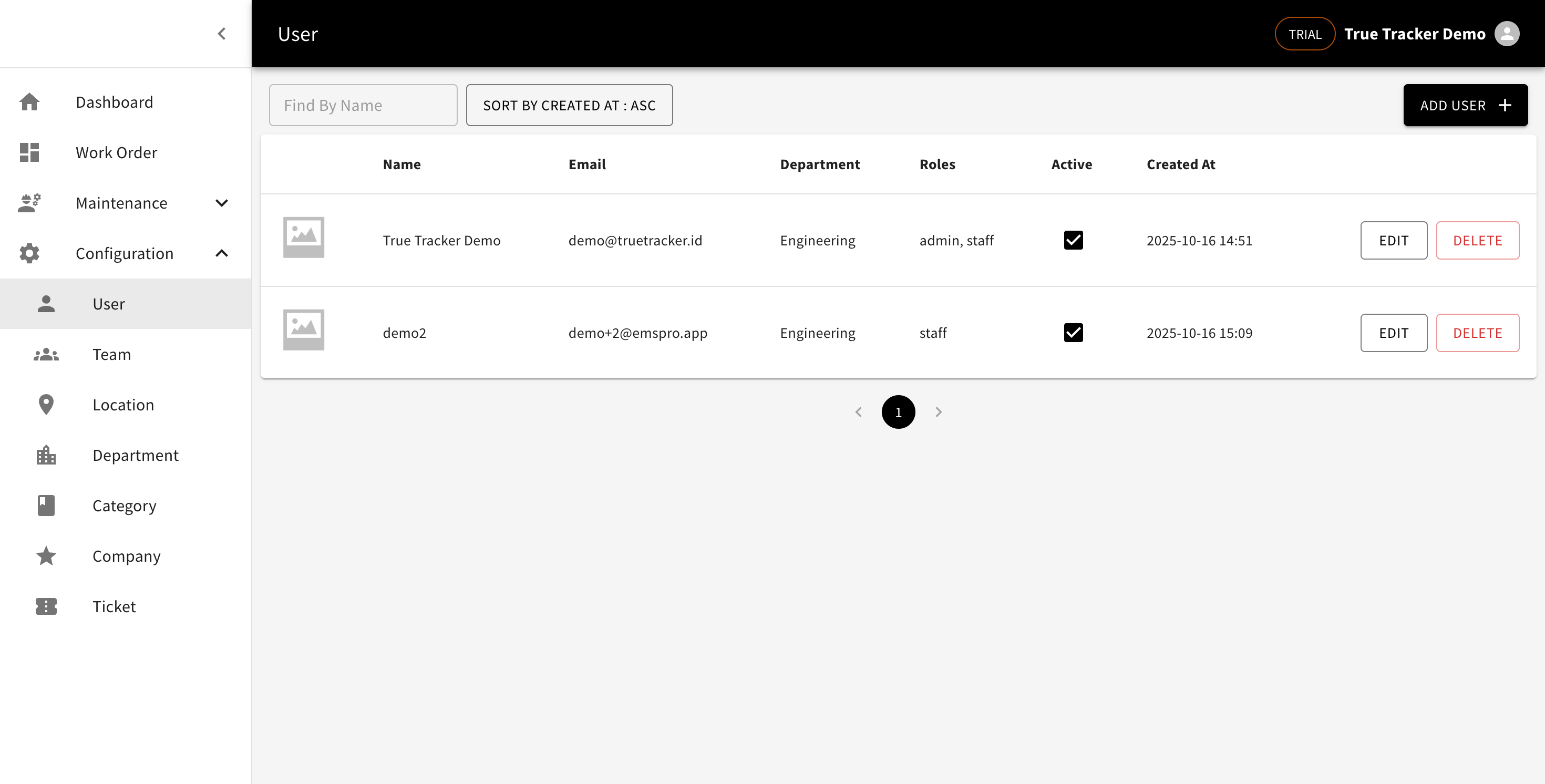
User List
Go to Configuration → User. Columns: photo, name, email, department, role (Roles), active status, and creation date.
Adding a User
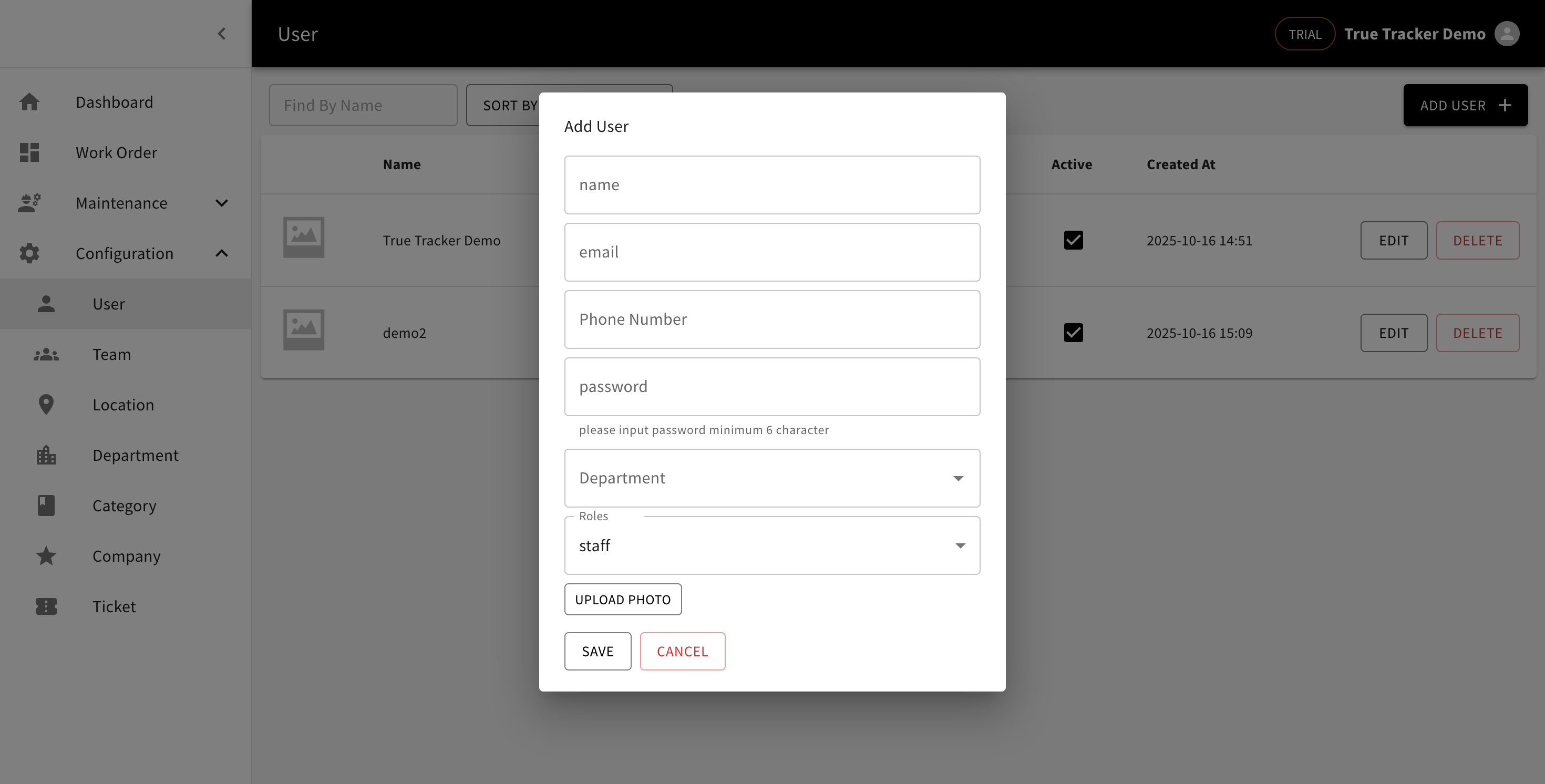
Click Add User, then fill in a name, email, phone number, password (minimum 6 characters), department, role (Admin, Head, or Staff — defaults to Staff), and a photo. Once saved, an invitation email is sent to the new user automatically.
Editing
Email can't be changed once an account is created. Leave the password field blank when editing if you don't want to change it.
Deleting
Click Delete to remove a user's account permanently — there's no option to temporarily deactivate one.