Company Management
Your company's profile on True Tracker — the name, logo, and contact info shown across the dashboard.
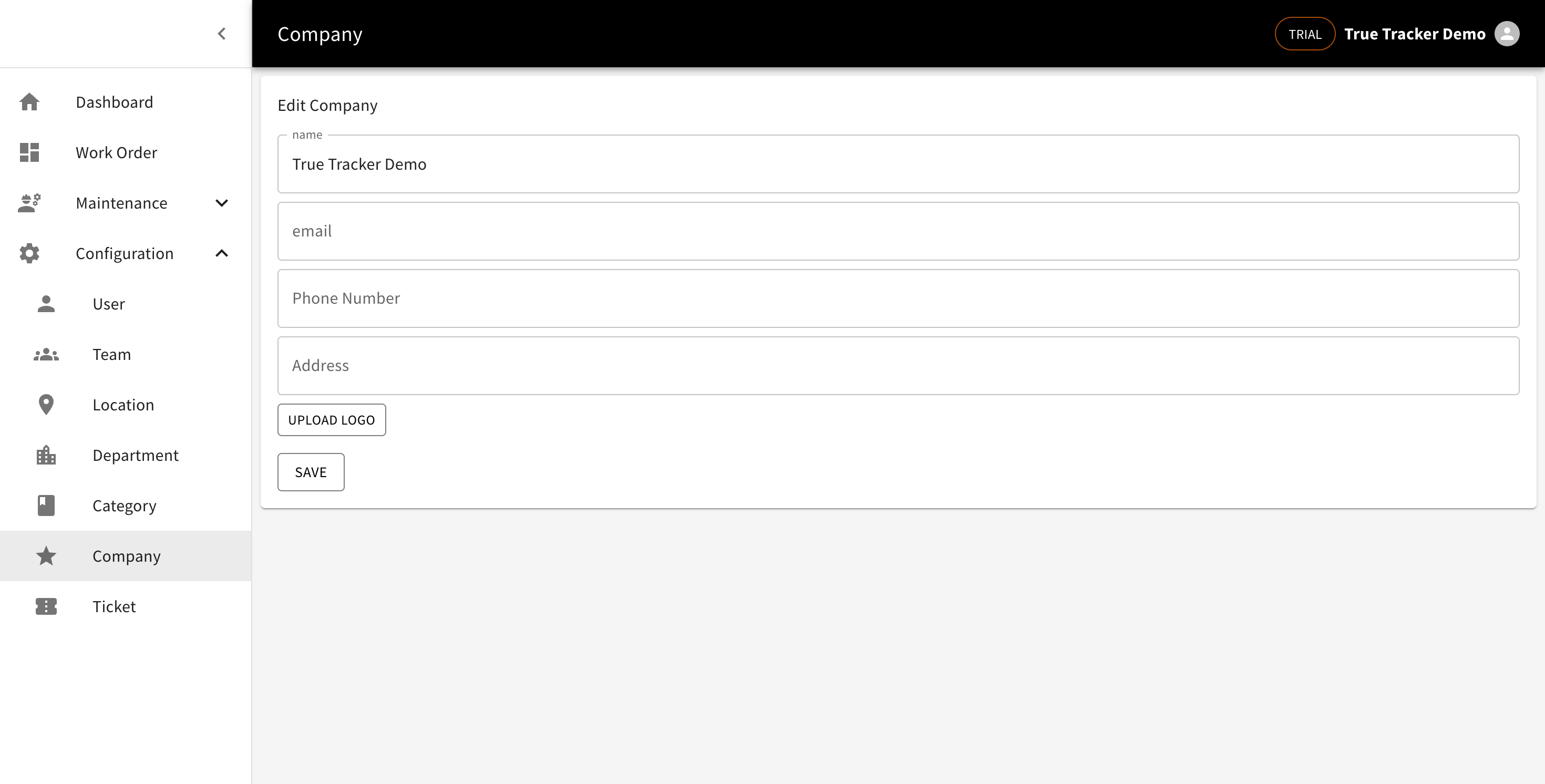
Editing the Company Profile
Go to Configuration → Company. You can edit the name, email, phone number, address, and logo. Click Save when done.
Subscription Info
Subscription status (like your plan and its end date) isn't on this page — check the top of the Dashboard or the chip in the top-right corner of the screen.