Sign In
The first screen you see before you can use the dashboard.
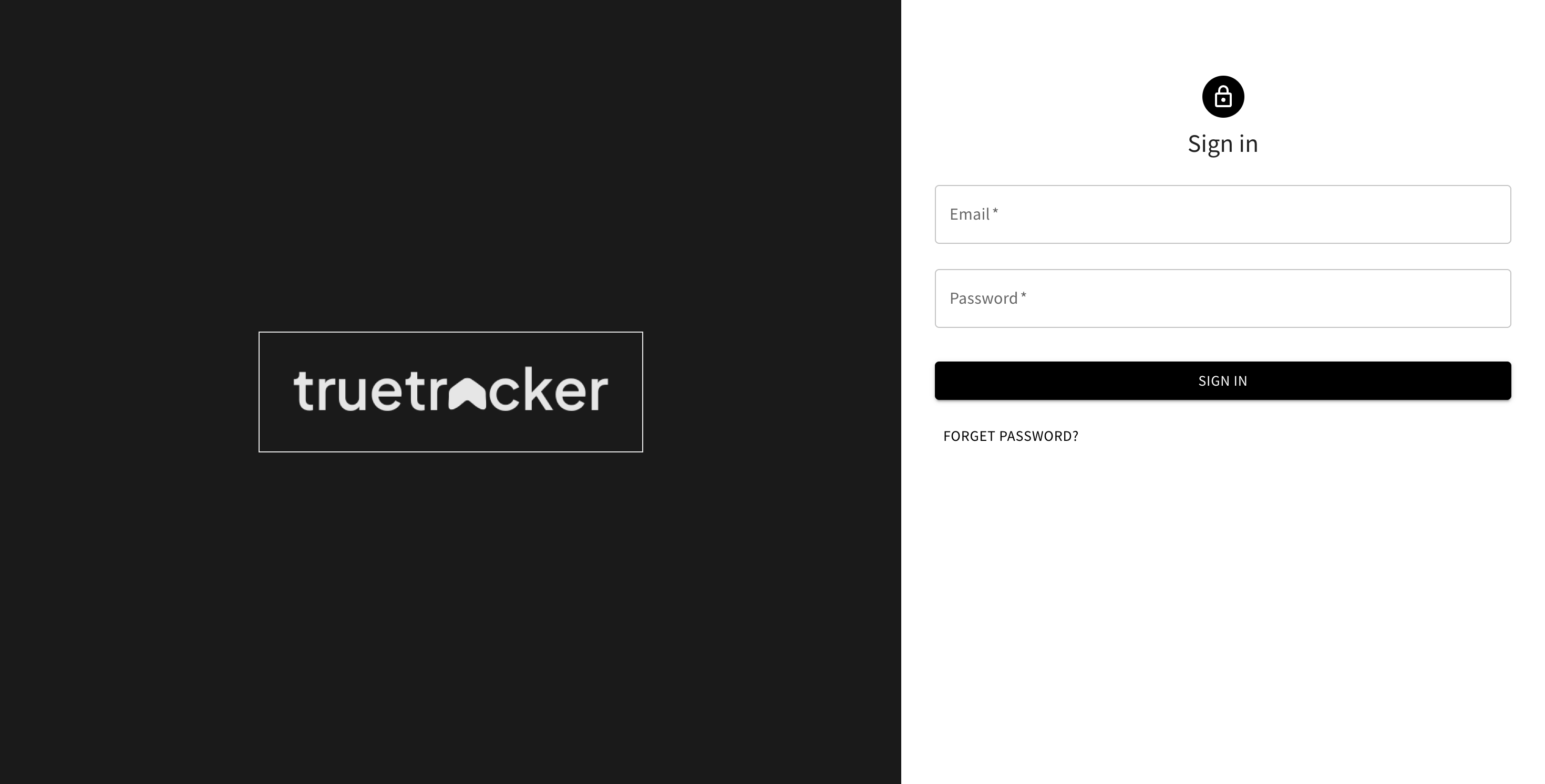
Signing In
- Enter your account's Email and Password
- Click Sign In
Accounts are created by your company's admin through User Management — there's no self-service sign-up on this dashboard. If you don't have an account yet, ask your admin to create one.
Forgot Password
Click Forget Password? below the Sign In button. See Forgot Password for the steps.