Language
Changing the Language
- Tap the Settings tab
- Tap Language
- Choose English or Bahasa Indonesia from the sheet that appears
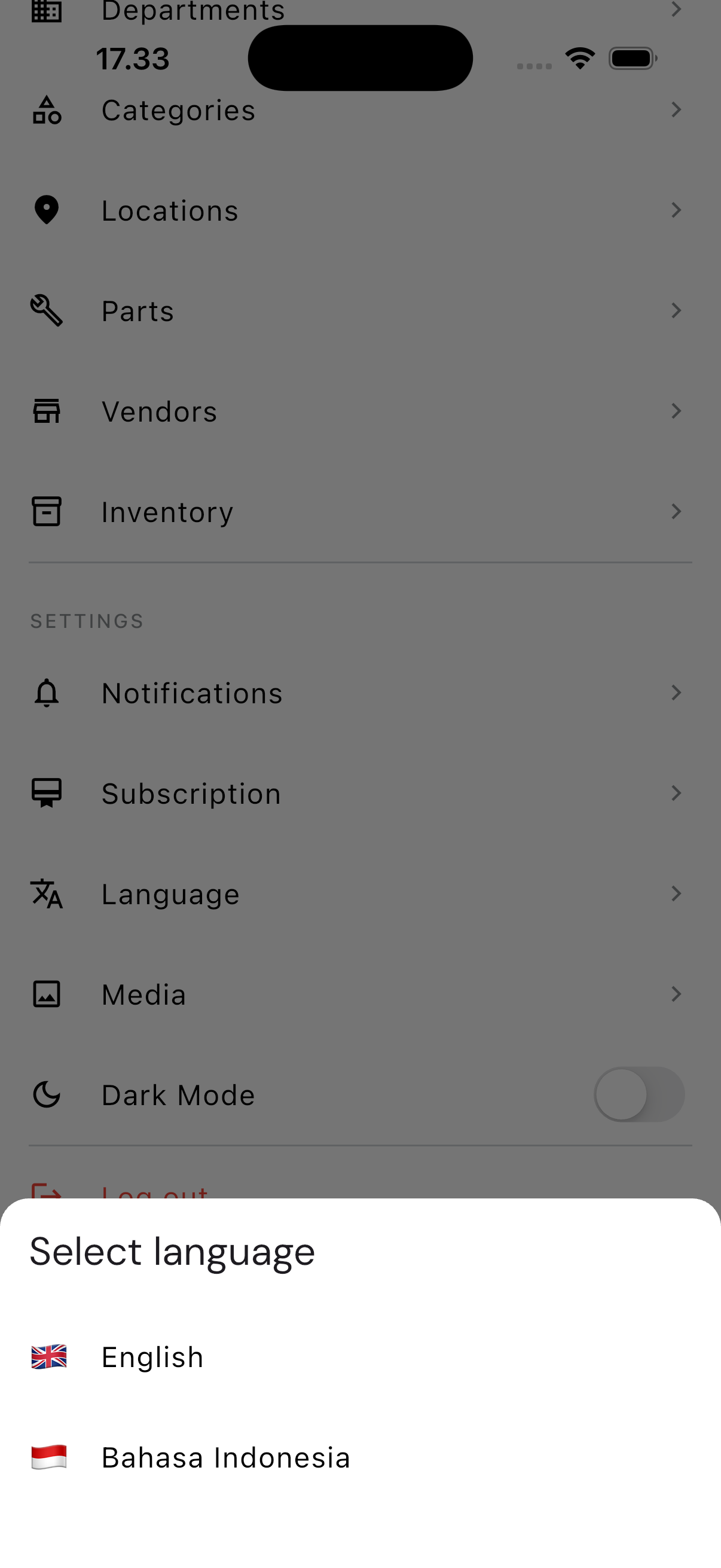
The change takes effect immediately — every menu and label switches over without needing to restart the app.
Worth knowing: a couple of labels written directly into the code (the Home and Meters tab names) don't switch with the rest. That's not something on your end — those two labels simply haven't been translated in the app itself.