Change Password
Opening the Form
- Tap the Settings tab
- Tap your name at the top to open My Profile
- Tap the Change Password button at the bottom
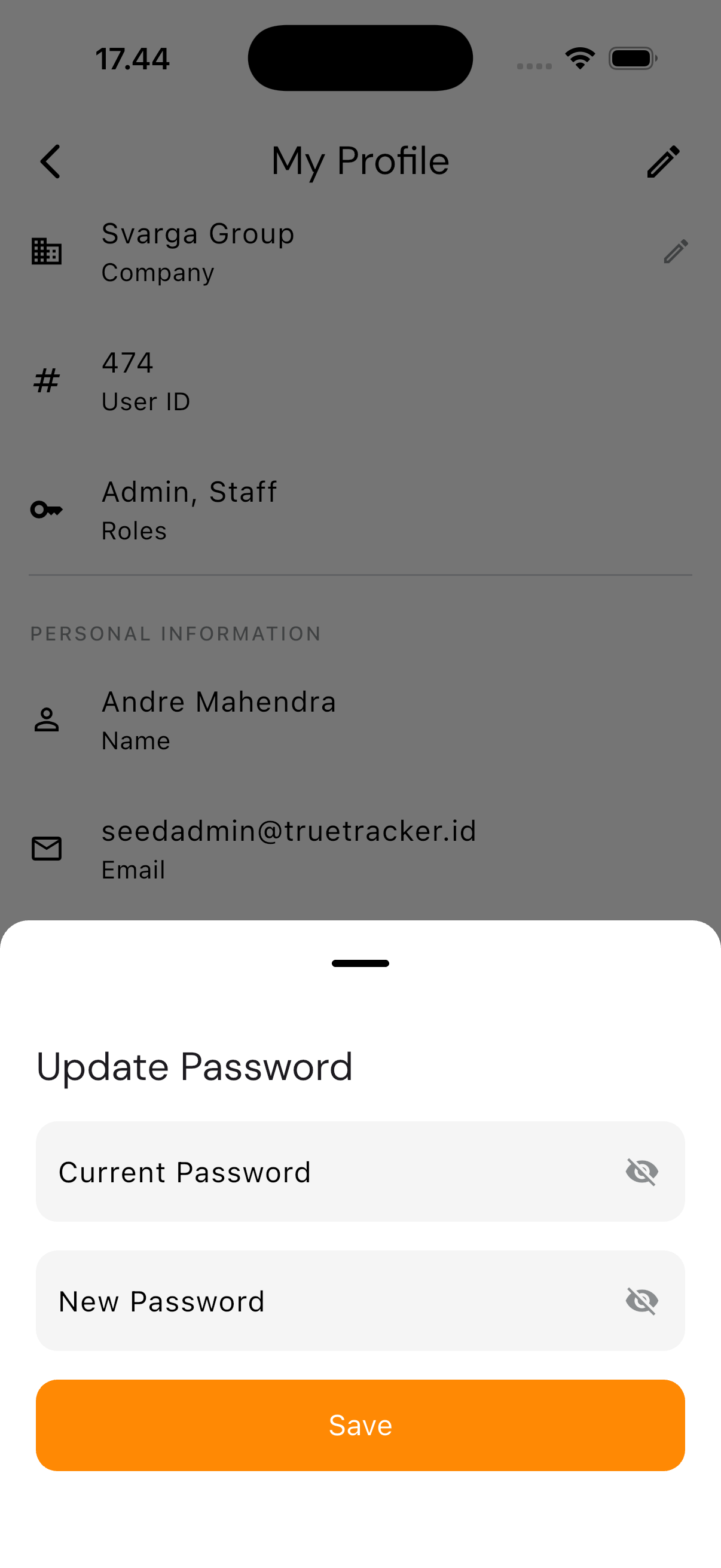
Filling It In
The form has only two fields:
| Field | Requirement |
|---|---|
| Current Password | Your current password |
| New Password | At least 6 characters, and must differ from the current password |
Tap the eye icon on either field to reveal what you've typed. Tap Save to submit.
If the current password you enter is wrong, the app tells you right on that field — no need to start over.
After Saving
The form closes and you return to My Profile. The new password takes effect from your next session.