Vendors
Vendors are your suppliers. Recording them sounds like paperwork until eleven at night, when a pump dies and nobody knows who to call for a replacement seal.
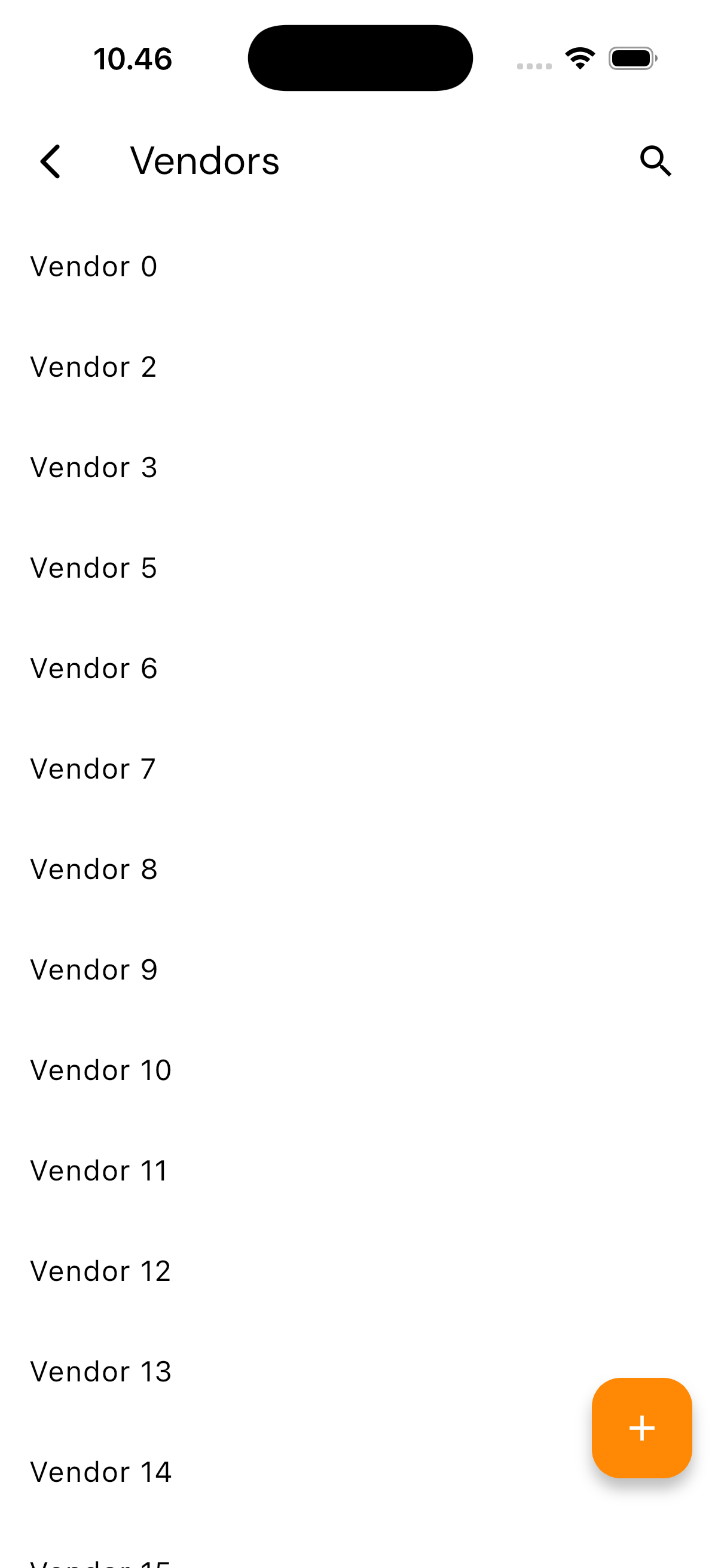
Opening the Vendor List
Tap the Settings tab, then under Manage choose Vendors.
What the Detail Holds
| Field | What it is for |
|---|---|
| Vendor Name | The company's name |
| Address | Useful when you collect the part yourself |
| Phone | The one you reach for when it is urgent |
| For written orders | |
| Website | Catalogues and official part numbers |
| Description | Contact person, opening hours, payment terms — whatever fits no other field |
The Parts section lists the components this vendor supplies. It fills itself from the parts you link to the vendor, so you can read it the other way round: from a vendor, see everything you can order from them.
Adding a Vendor
Available to the Admin and Head roles.
- Tap the add button on the vendor list
- Fill in the name, address, phone, email, website, and description
- Save
A vendor can also be created straight from the part form — handy when you are registering a new component and realise its supplier is not on file yet.
Deleting
Open the vendor and choose delete. Parts linked to it are not deleted; they simply lose their supplier detail.