Subscription
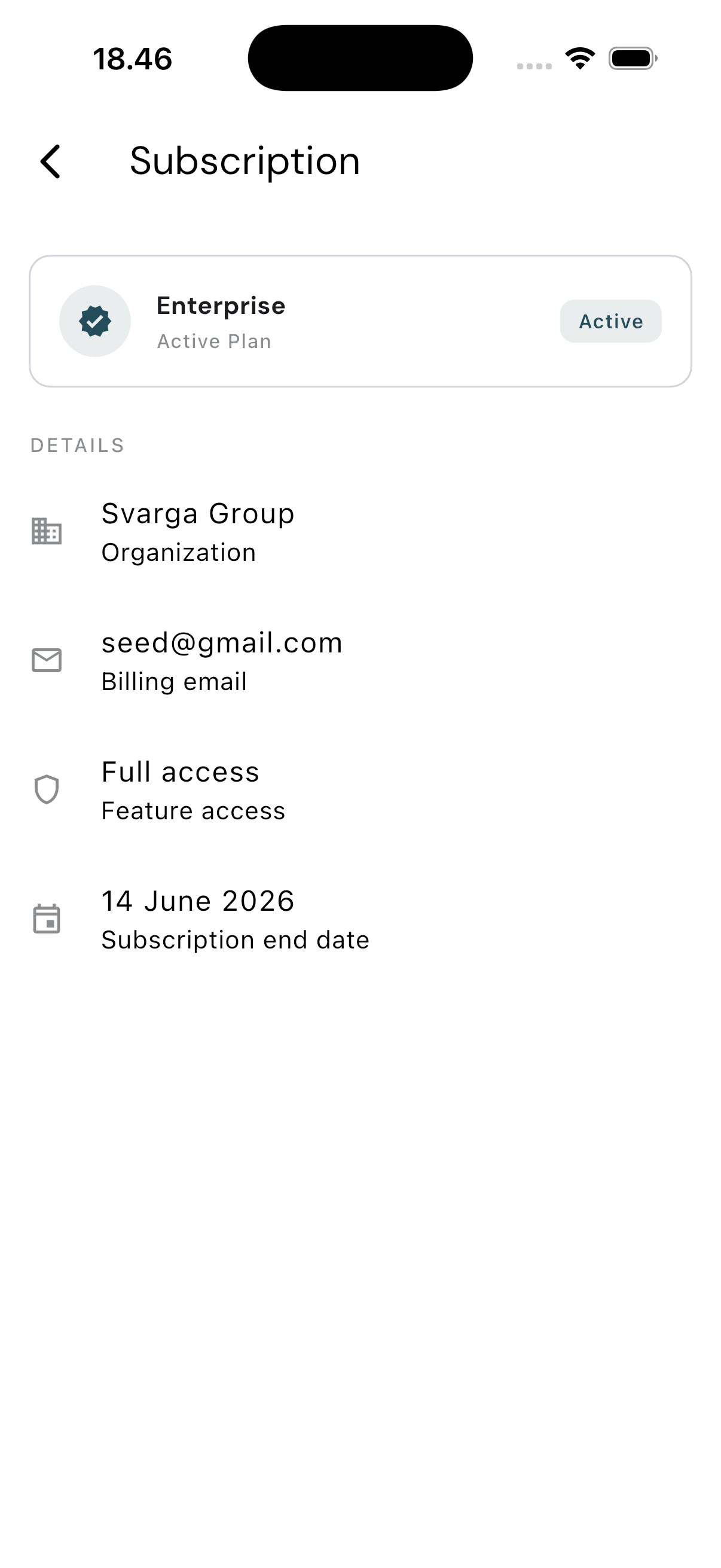
This screen answers one question: what plan is your company on, and when does it end. It's view-only — there's no button here to change plans or pay.
Opening the Subscription Page
Tap the Settings tab, then choose Subscription. This menu item only appears for users with the Admin role.
What You See
The card at the top shows your company's plan name and its status: Active for a paid account, or Trial for one still in trial.
Below it, the Details section:
| Row | Contents |
|---|---|
| Organization | Your company's name |
| Billing email | The email used for billing |
| Feature access | Full access for a paid account, Limited access for a trial |
| Subscription end date | When the subscription ends, if available |
Trial accounts also show a short note that some features may be limited.
Changing Plans
Not possible from the mobile app. To renew, upgrade, or change your subscription, contact your company's administrator or the True Tracker team.