Categories
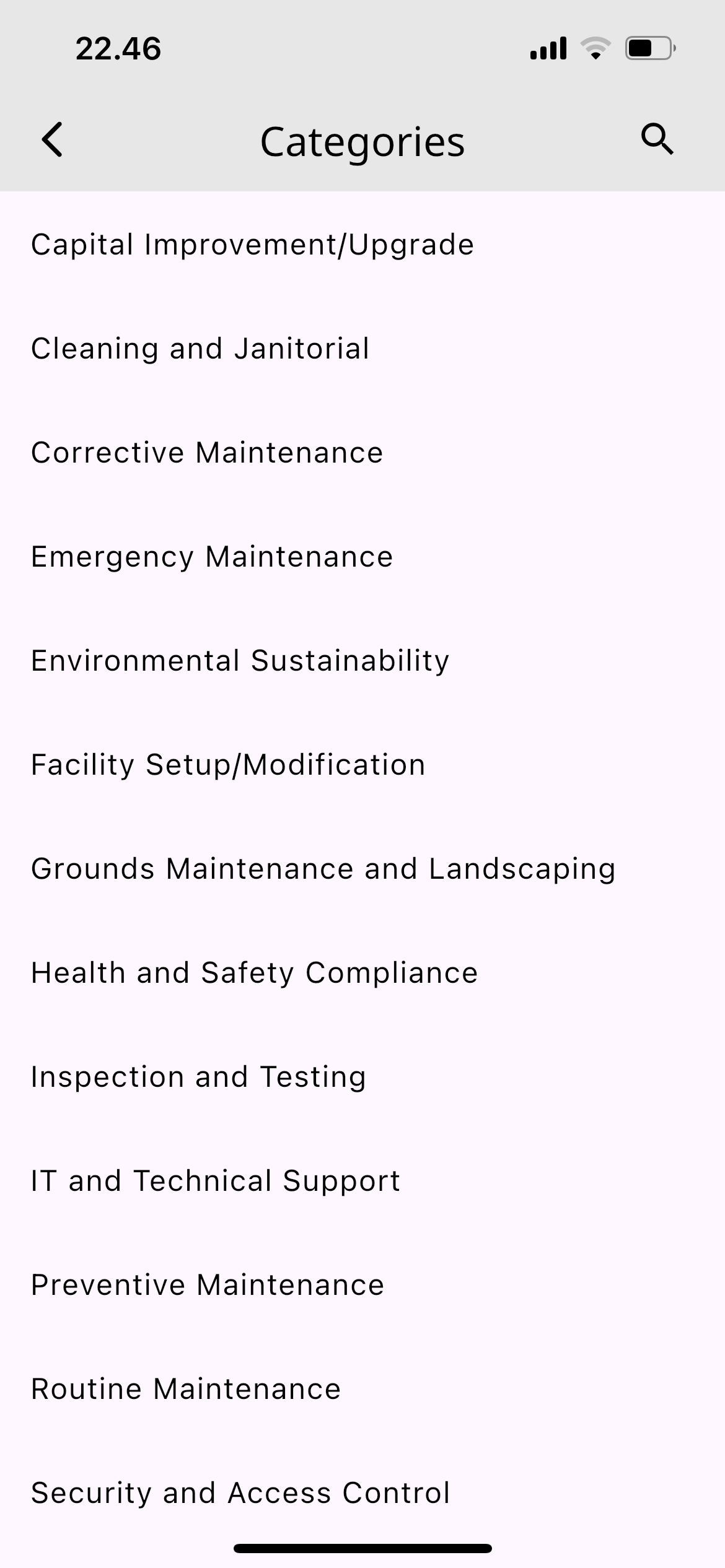
The categories list in the mobile app.
A category says what kind of work is being handled — electrical, cleaning, HVAC — so reports and searches can be filtered by type. The categories listed here are what appear as the Category choice when creating a work order.
Opening the Categories List
- Open Settings in the mobile app
- Select Categories
What You See
The screen lists every categories record in your company, one row each, in the order returned by the server.
- Search: type in the search field to filter the list
- Refresh: pull the list down to fetch the latest data
Adding and Editing
The add button and editing are available only to users with the Admin or Head role. Other roles can view the list only.
Adding a new record
- Tap the add button
- Fill the Categories field with a name, for example
Appliances - Save
Editing or deleting
- Tap a row in the list
- Change the name and save, or use the delete option on the same form
Once saved, the list refreshes automatically and the app shows a confirmation message.
Notes
The only stored field is the name. Changes apply across your whole company and are visible to other users immediately.