Notifications
Opening Notification Settings
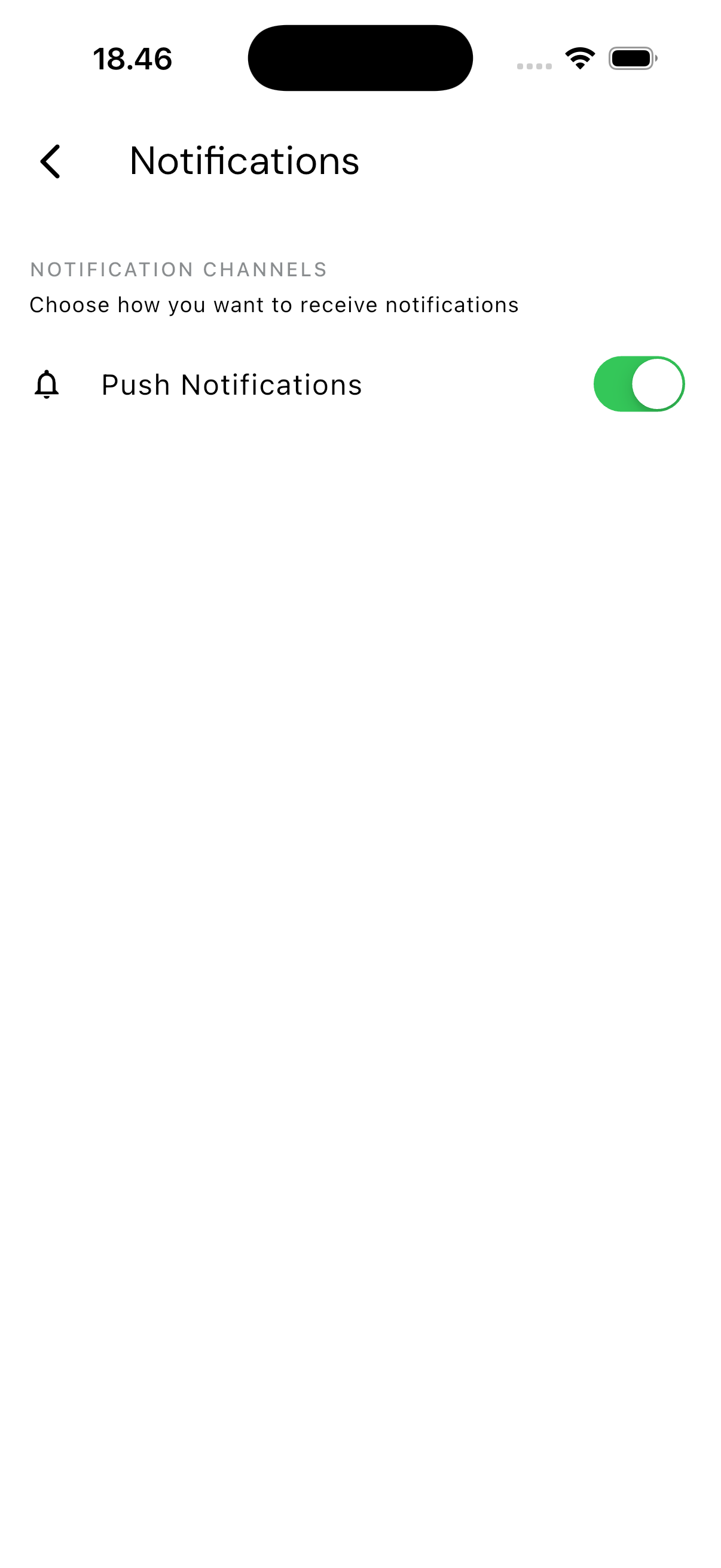
Tap the Settings tab, then choose Notifications.
What You Can Control
Right now there's a single switch: Push Notifications.
- Turning it on — the app asks the system for notification permission. If you allow it, the switch turns on. If you deny it, a message titled "Notifications Blocked" appears, pointing you to your device settings (Settings > TrueTracker > Notifications) to enable it from there.
- Turning it off — the app can't revoke notification permission from inside itself; that's an operating system limit, not an app one. Tapping the switch off shows instructions for disabling it through your device settings instead.
Finer-grained preferences — choosing notifications by email or WhatsApp, or switching individual notification types on and off — aren't available on this screen yet.
How This Relates to Other Screens
This switch controls whether you receive push notifications at all. The app sends them for work order updates and other account-related alerts — see Work Orders for examples.