Media
Opening Media Settings
Tap the Settings tab, then choose Media.
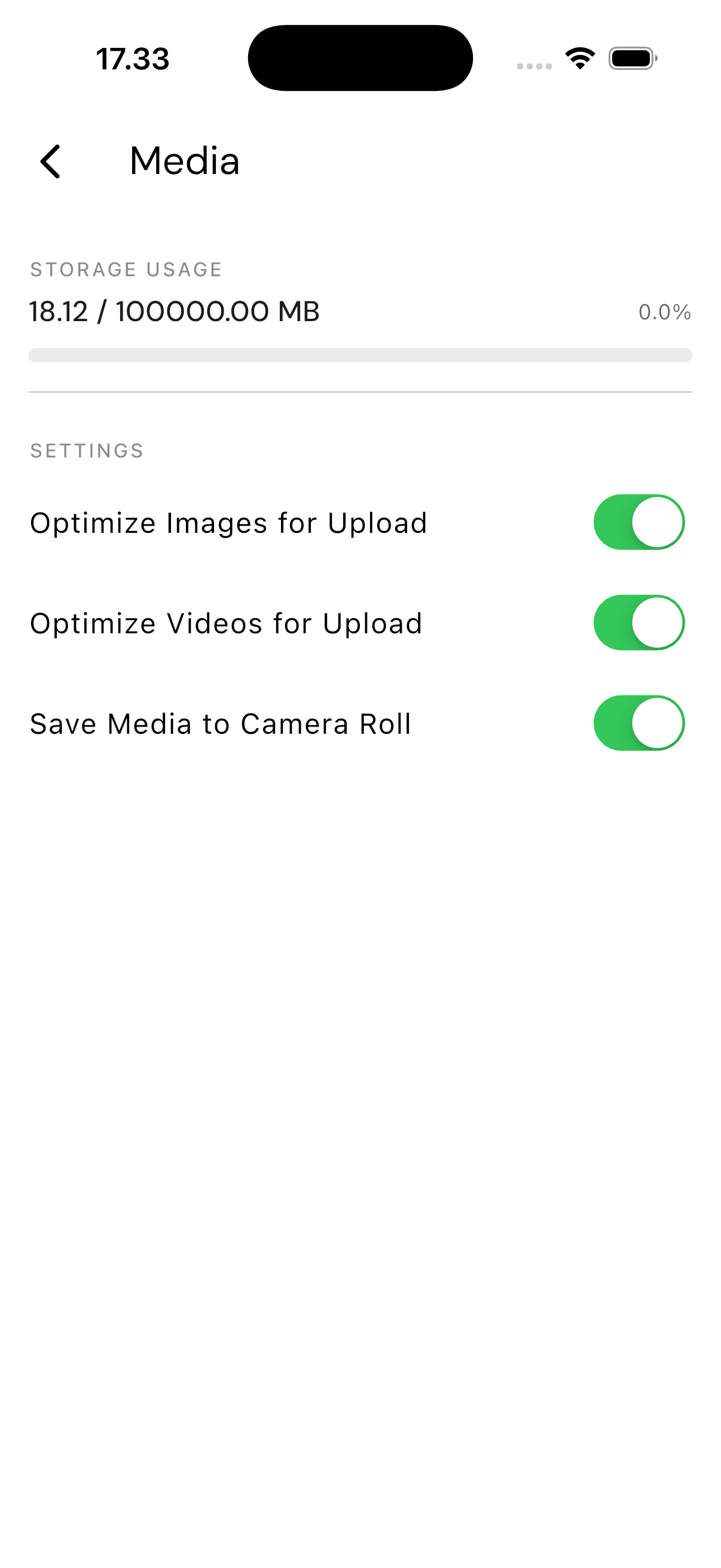
Storage Usage
The top of the screen shows the total size of photos and videos you've uploaded through the app, against your company's storage limit.
What You See
Below it are three switches: Optimize Images for Upload, Optimize Videos for Upload, and Save Media to Camera Roll. All three appear on by default.
These switches can't currently be changed from this screen — they stay on regardless of what you tap. If you'd like to adjust media storage preferences, raise it with your system administrator.