Log Out
Signing out is simple: no hidden steps, no configuration. One tap, one confirmation.
How to Log Out
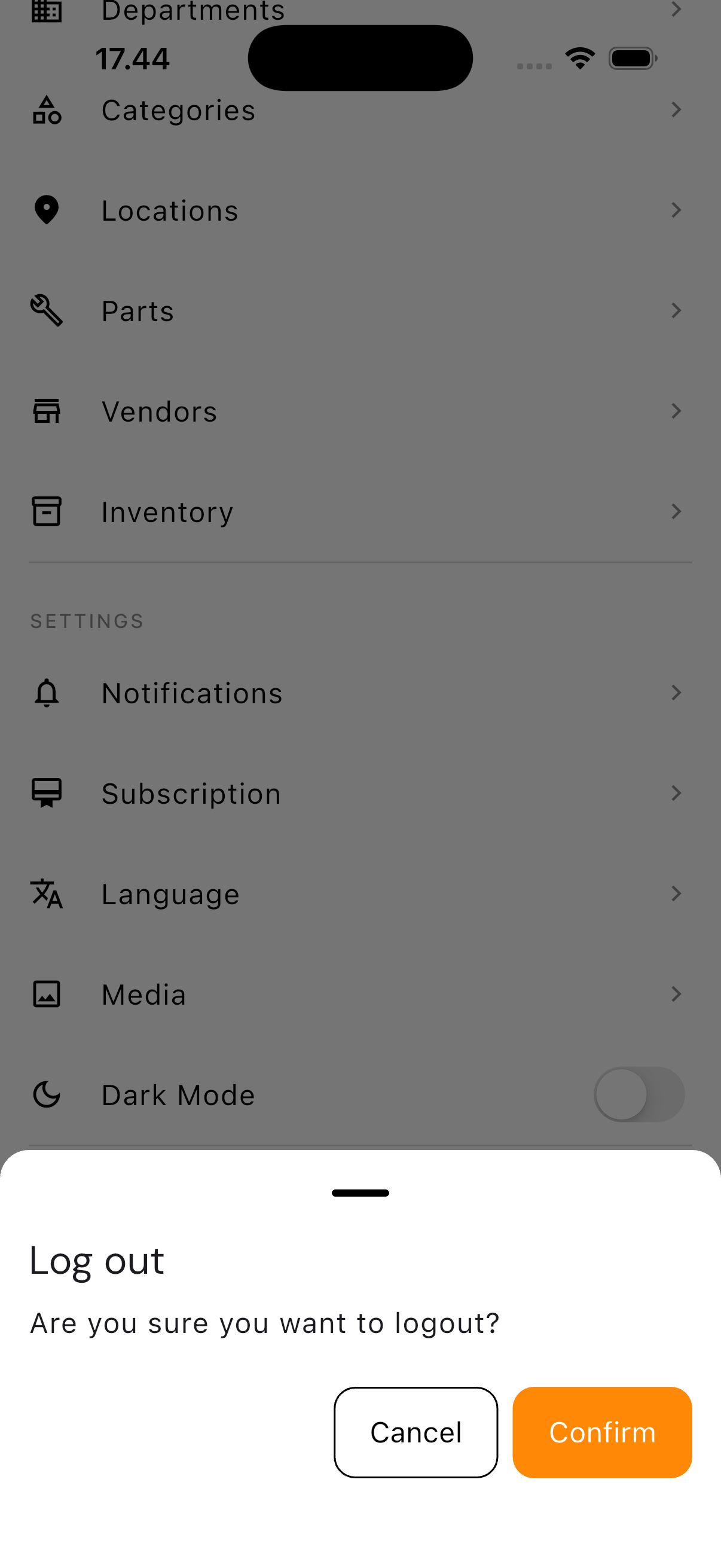
- Tap the Settings tab
- Scroll down and tap Log out
- Tap Confirm on the dialog that appears
You're returned to the sign-in page, and your session on this device ends.
Before Handing Off a Shared Device
If the device you're using is shared with a colleague, logging out before handing it over is a simple good habit — not because the app forces it, but because the next person who signs in shouldn't be signing in as you.
Switching Accounts
Logging out doesn't change anything about your own account. To switch accounts on the same device, simply sign back in with different credentials after logging out.